UPDATE JULY 2025: The article below the stars, written a few years back, will soon be redundant, as Microsoft announced the end of its Publisher trinket. But this leaves us without Publisher’s unique hyper-useful asset!
Yes, graphics are not a problem and better on many other softwares but … here’s a challenge…
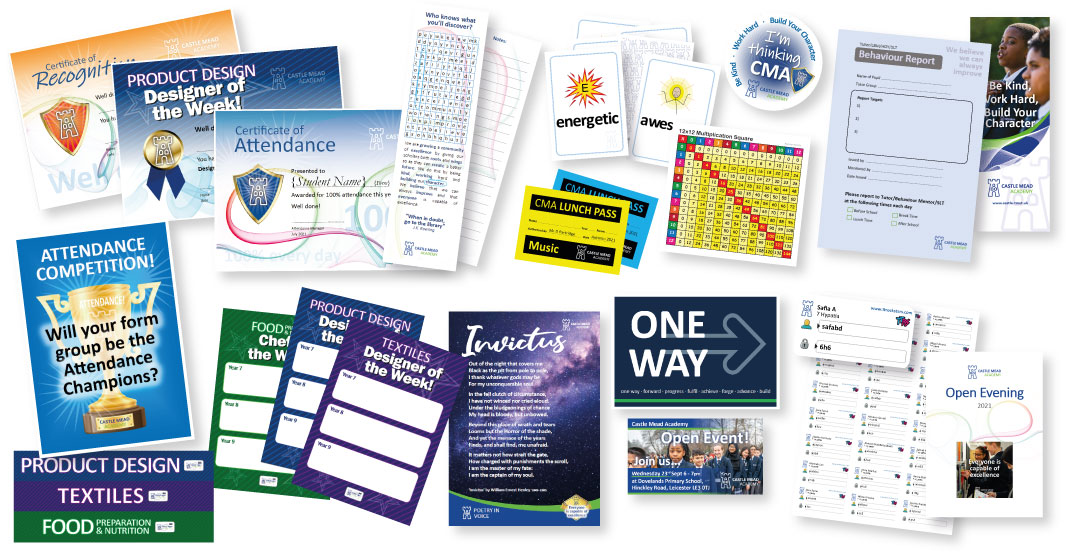
The big big loss, that no other software does in the same hyper-easy useful way is print multiple pages per sheet. Publisher allows you to create bespoke page sizes and print multiple pages (mail merged and or double-sided) sheets. This is so so useful for tickets, cards, passes, slips etc.
To date there’s NO other software that offers print bespoke page sizes multiple pages per sheet!
Challenge find an alternative! ?
**************************
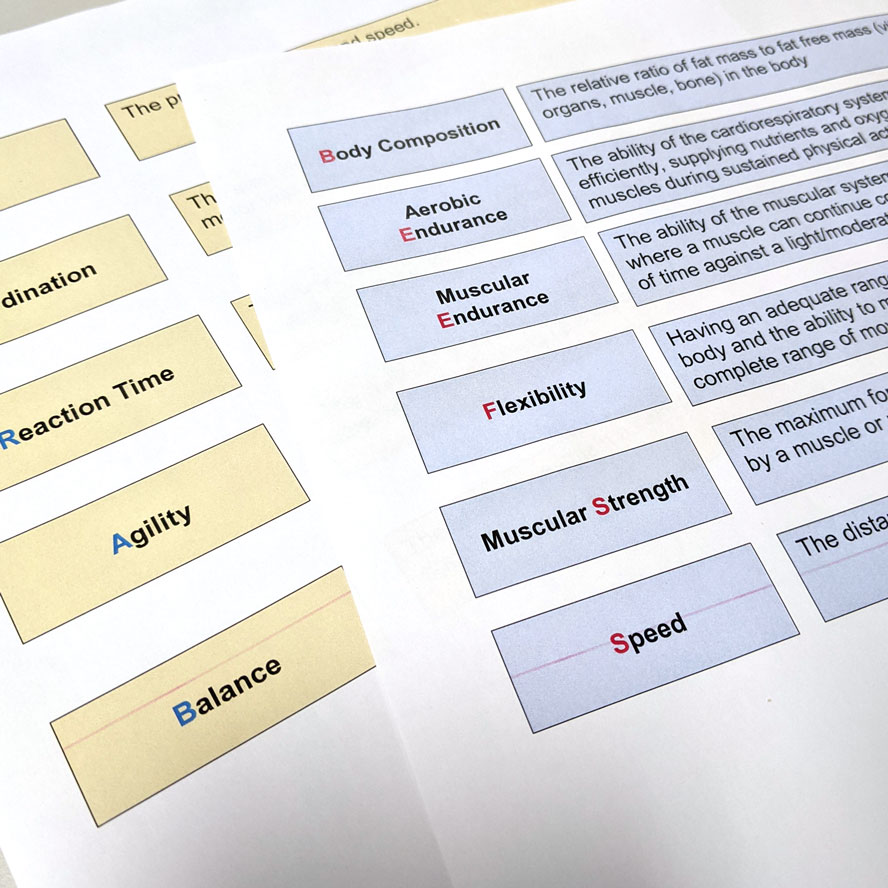
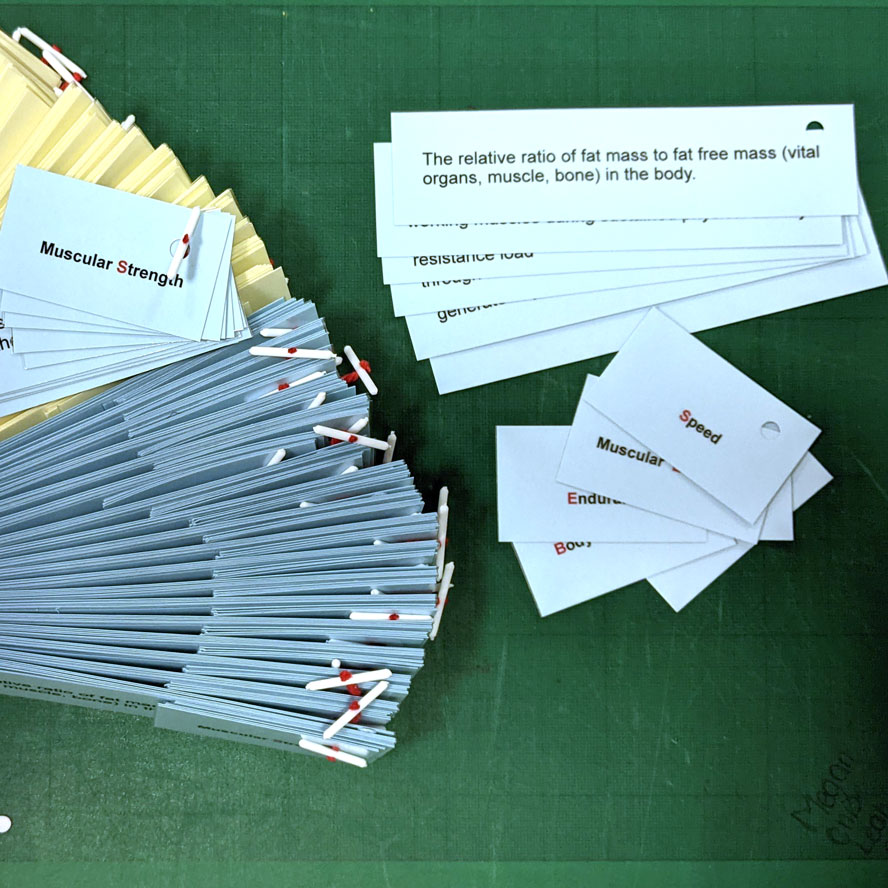
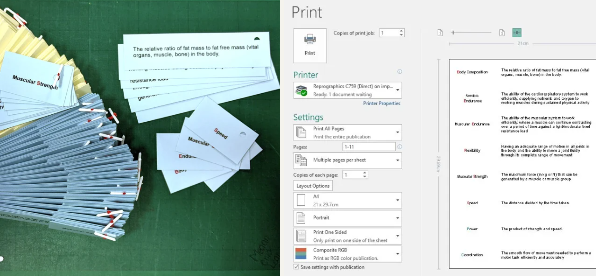
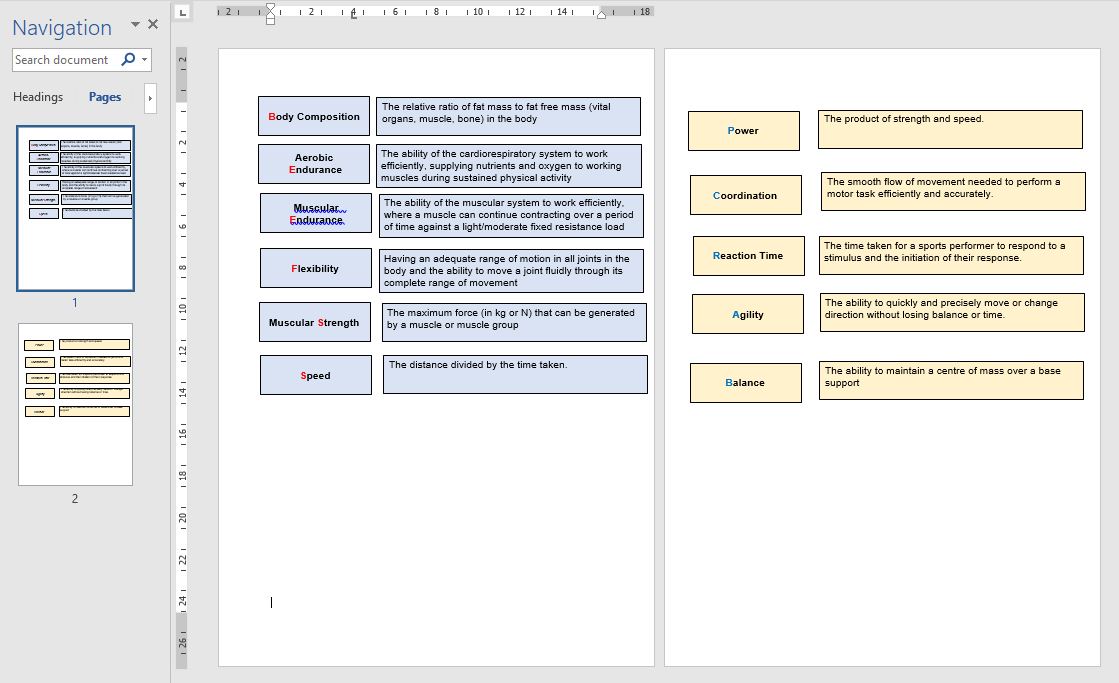
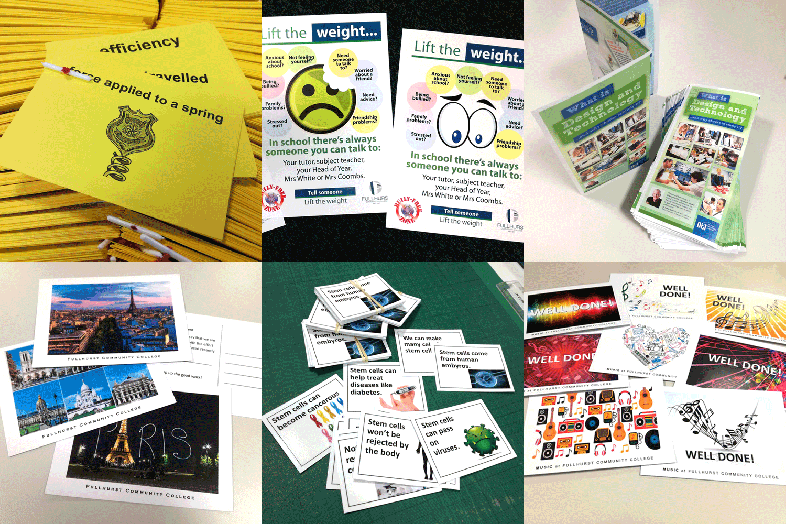
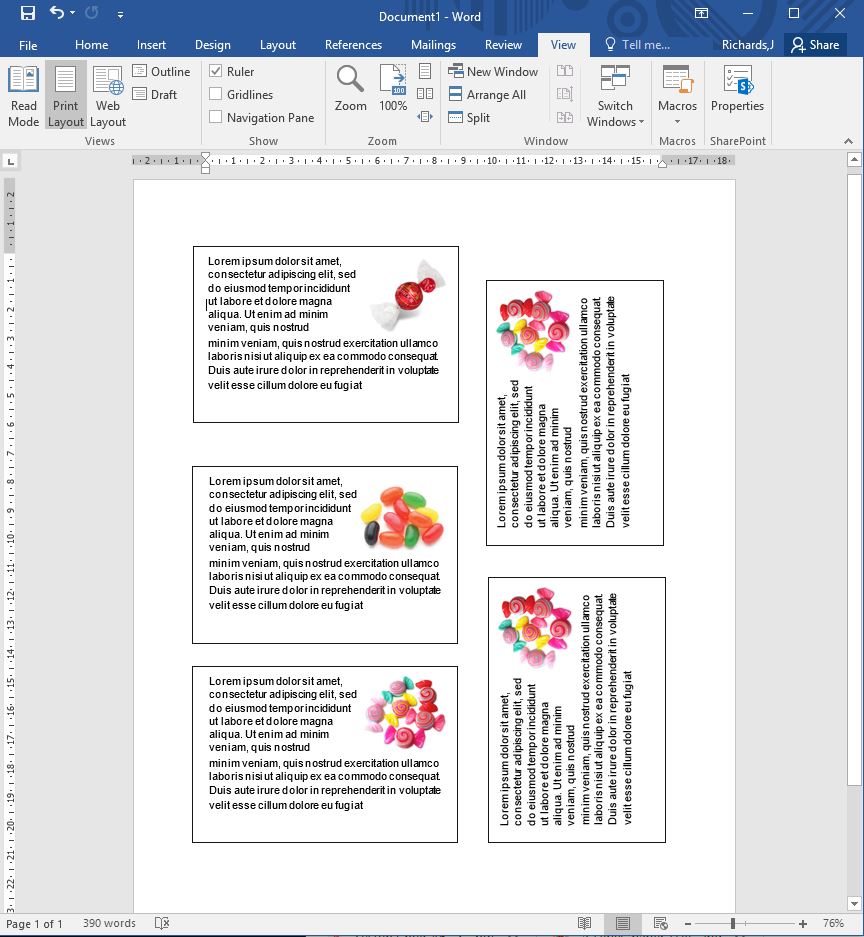
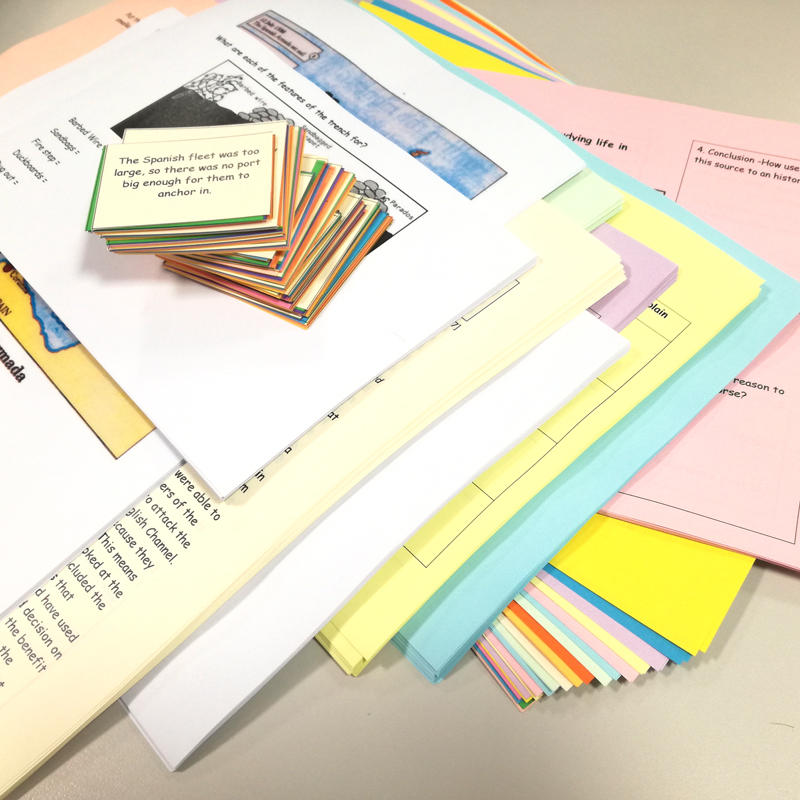
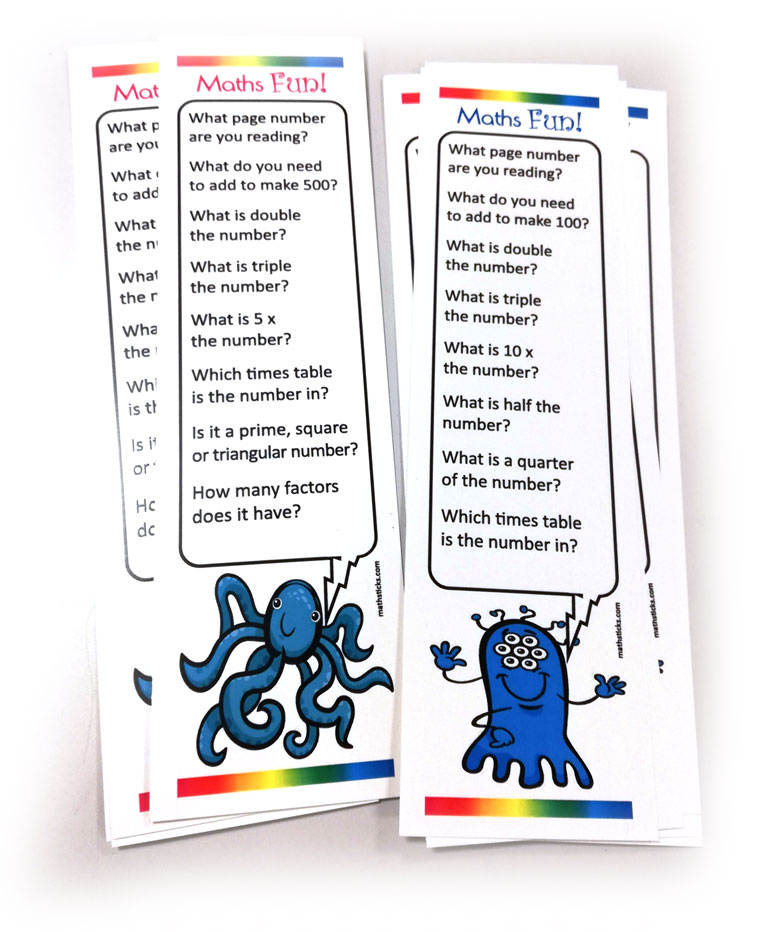
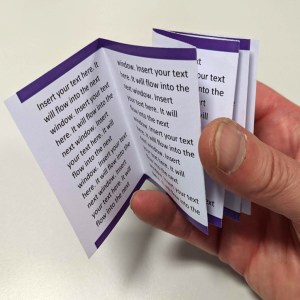
Match-cards, revision-cards, flashcards… Yes, it’s easy to use the default Microsoft Word†, add boxed text etc and trim-out cards. But it’s not very tidy or economical and to be honest there’s an easier, tidier and more economical way.
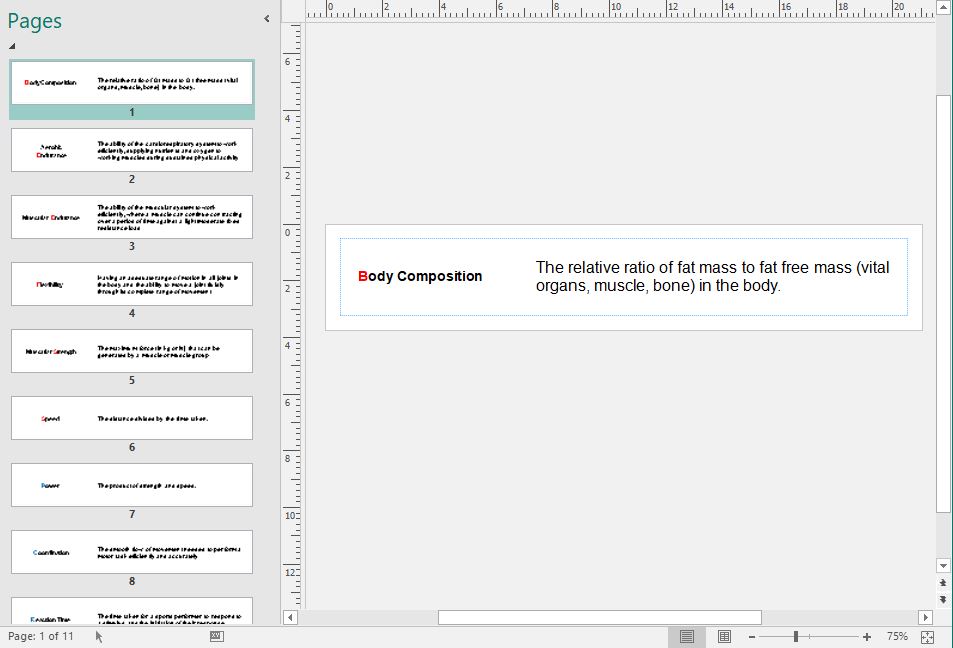
Our old friend Microsoft Publisher*. If you have MS Office then it’s there. Often underused it’s a great tool of creating multiple odd sized cards, tags, stickers etc.
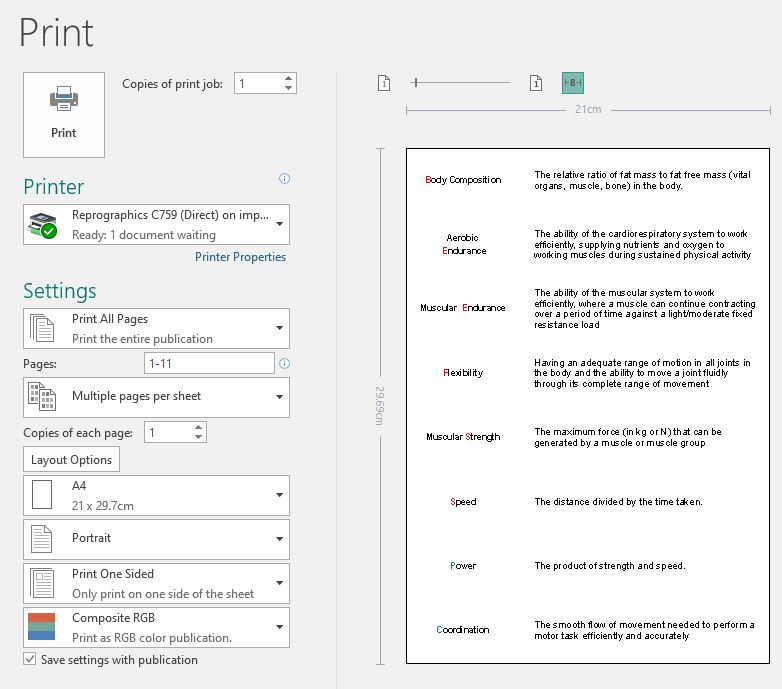
It’s easy to make the bespoke page size to fit on A4.
I given examples of this before, ‘Save Paper, Time & Money’ here.
So, we set one Publisher page at the desired size. You could have any size card, as long as it multiples into an A4 page.
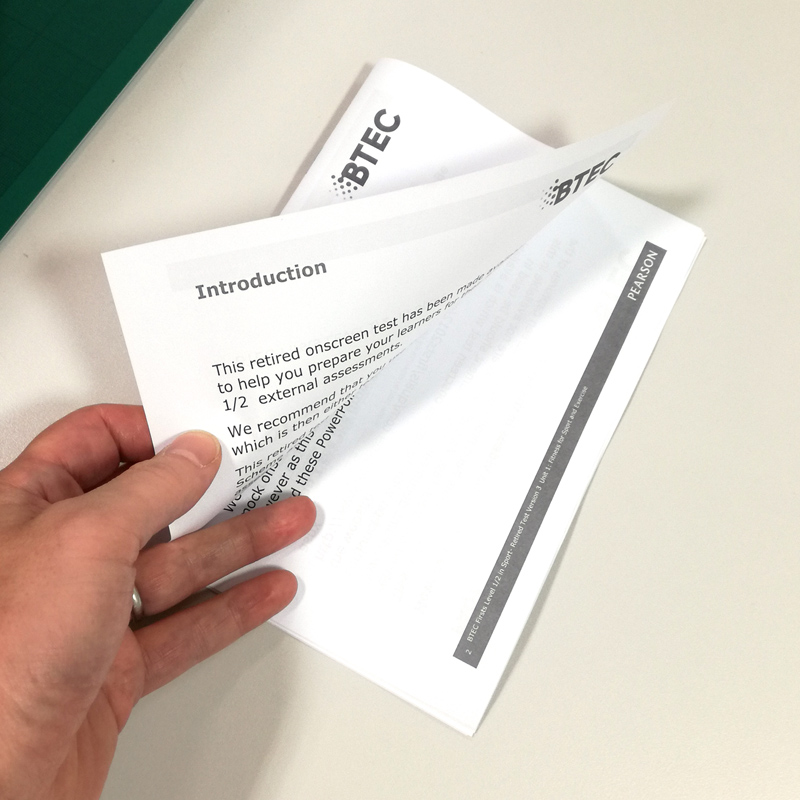
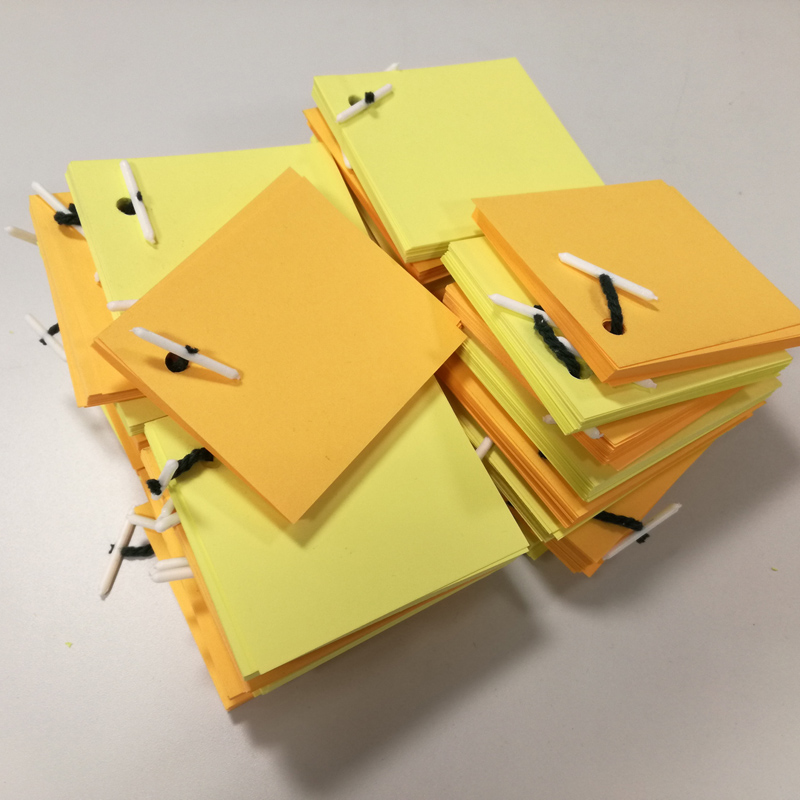
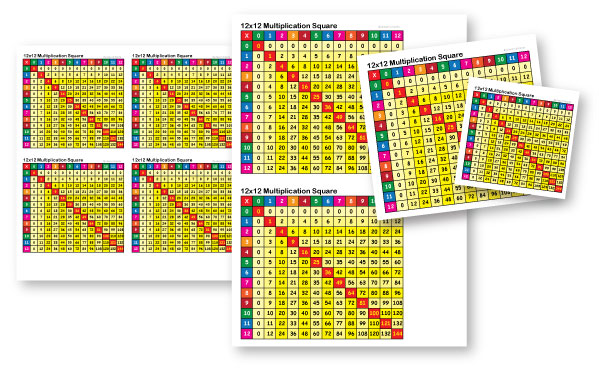
Duplicate a master, and create your different pages (or mail-merge your data/text into a master). With Publisher we can then print this on A4 as a set (multiple pages per sheet) or as a stack of sets (multiple copies per sheet). These can be easily electronically guillotined and banded.
It’s versatile, can look great, and it saves time and paper**.
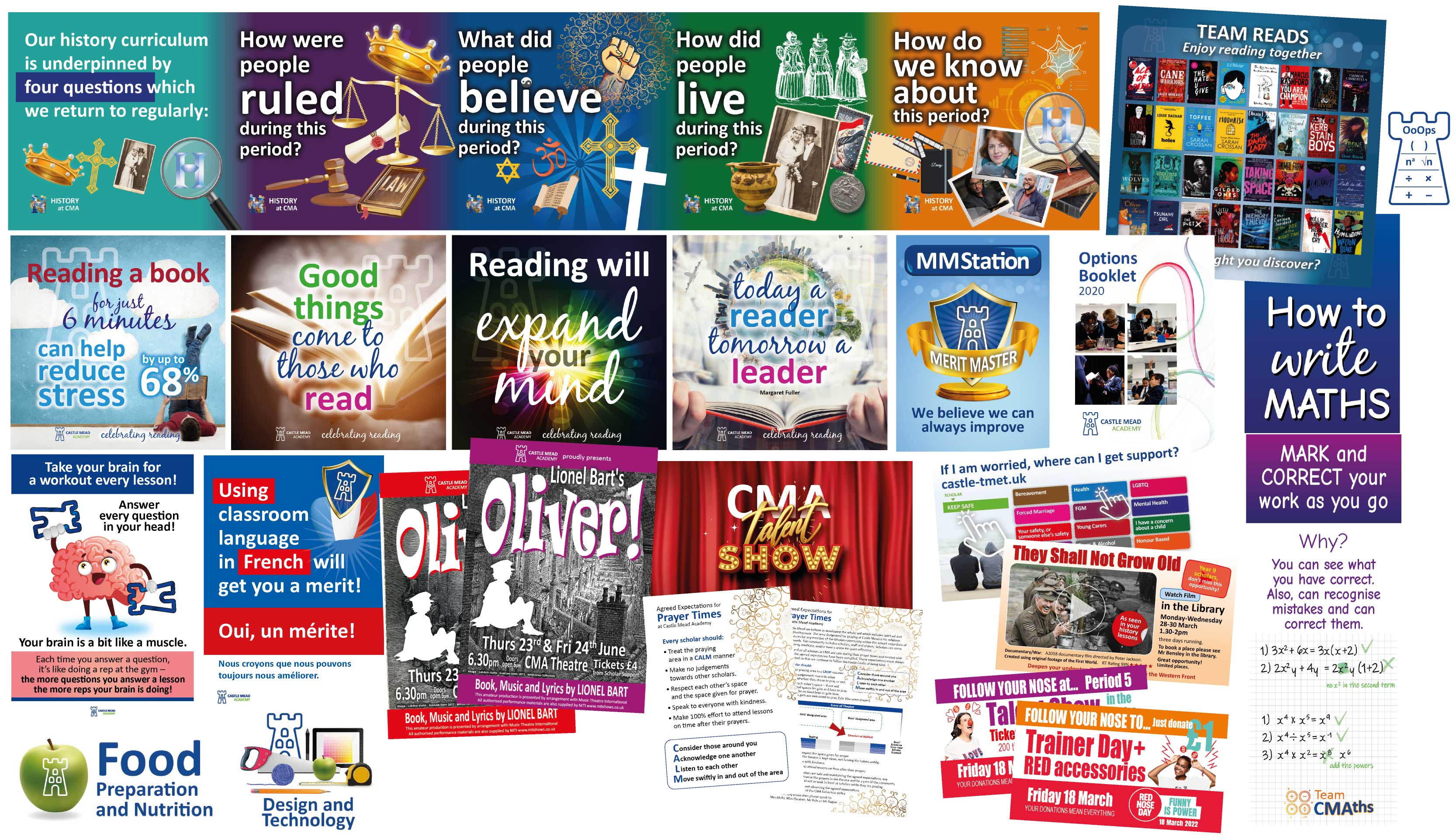
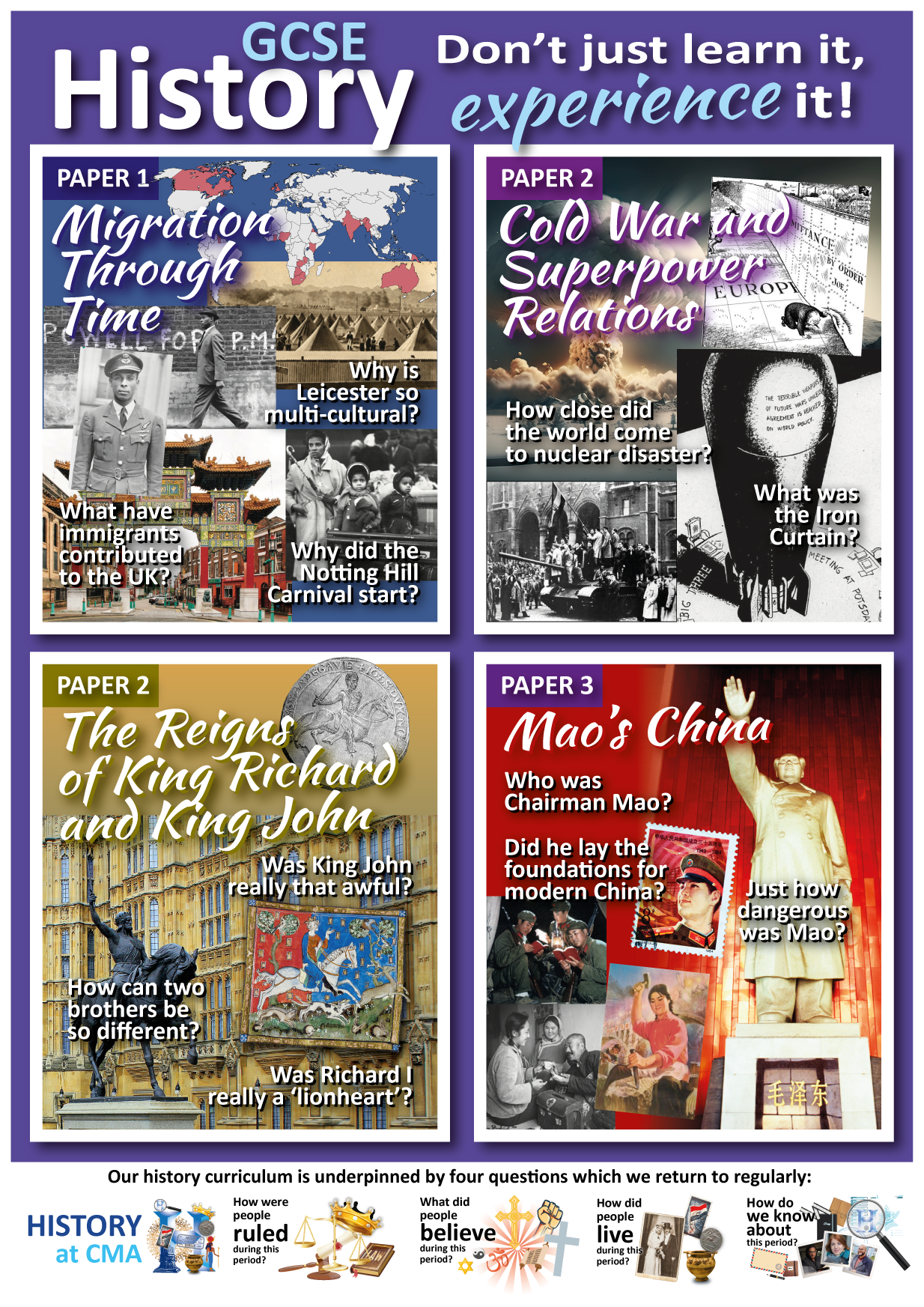
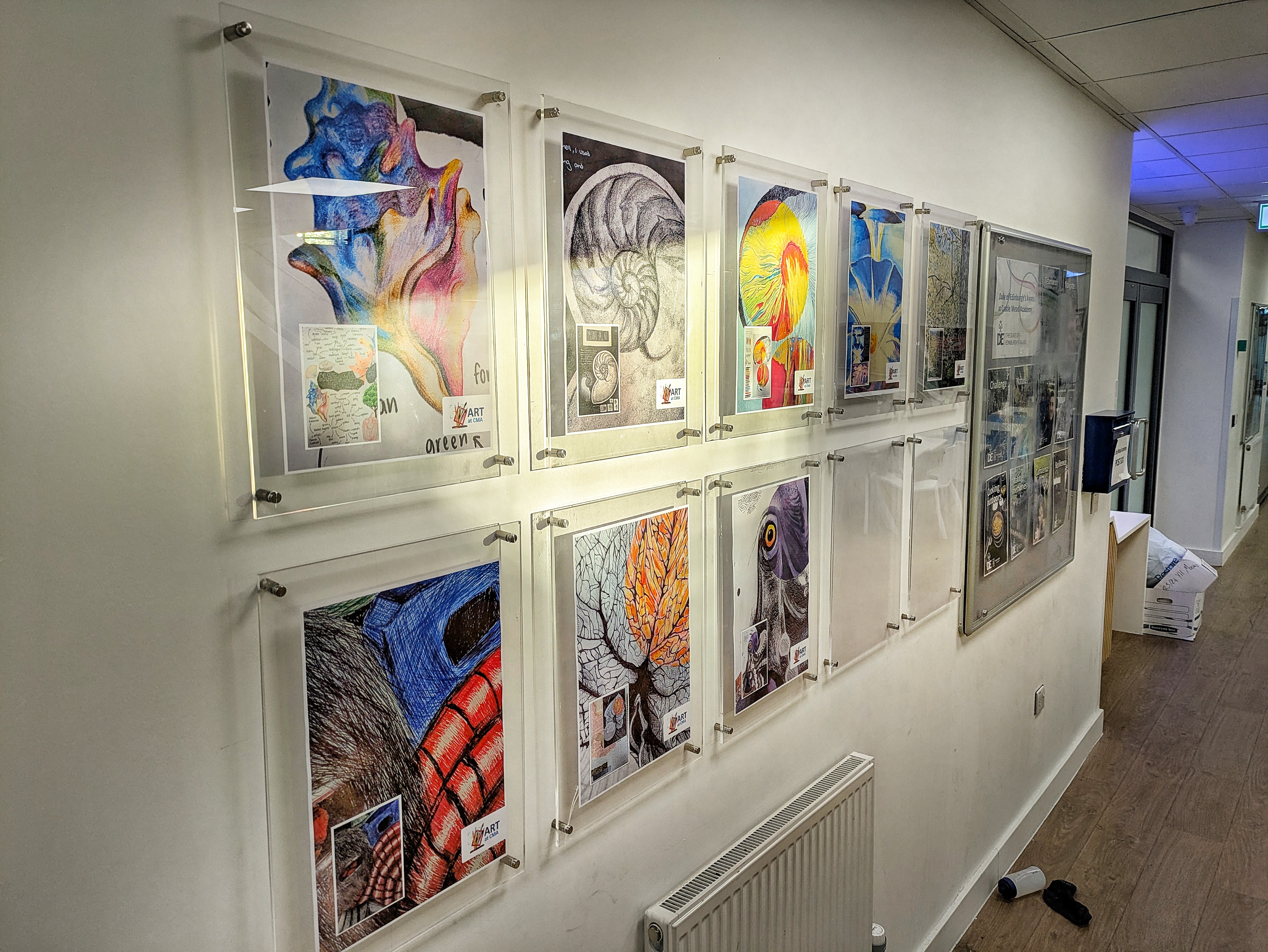
*Horror, Yes, Publisher! When I first was prompted to use publisher, because the situation didn’t warrant the cost of the more professional options, I was horrified. My preconceptions about Microsoft turned out to be a tad misplaced. It initially looks like you’re using a child’s toy. But get over it! It’s a very versatile tool for simple multiple-page publishing needs – you can create print-impositions for press that InDesign can’t do! Projects can even look qood, if you use design elements created in Photoshop and Illustrator etc.
Uneconomical unproductivity can be easily sorted – saving money, with zero paper wastage, more print per sheet, and easy guillotining and set sorting – and we can make it look good! In the long-term, planning economically and productively can save an institution £1000s
†Word is a word processing program. PowerPoint is for creating screen presentations.





























 Jules P Richards