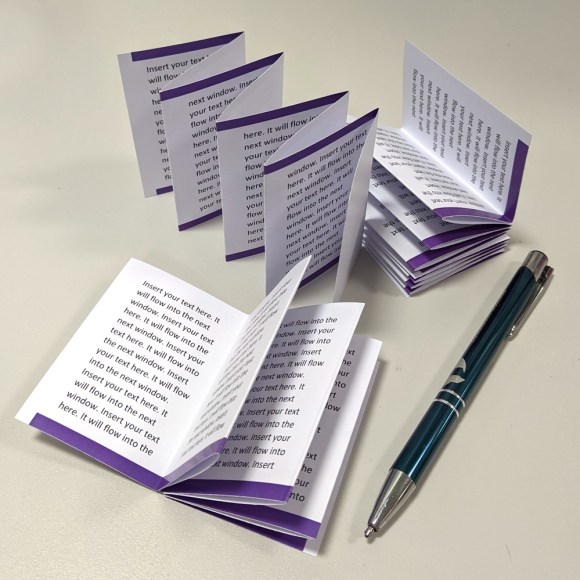
Do you have info for students to revise or remember?
About 900 words will fit nicely onto this notelet at 10pt typesize. About 750 words at 12pt. This prints 4 up on A3 paper, or you can print it smaller to 4 up A4.
Tuck ‘em in your pocket! Effective economical novel print.
It’s just a thing I put together in lockdown, feel free to download, adapt and share.
Notelets printed – 4 on an A3 sheet,
You can print this on an A3 or A4 paper you’ll achieve four notelets per print.
Yes, this sort of thing should be done using Indesign, Illustrator, or Publisher etc. but the majority of home/office users don’t have this software. So here’s a template in Microsoft Word.
Ick!… Word not nice.
But Yea!… anyone can use it!
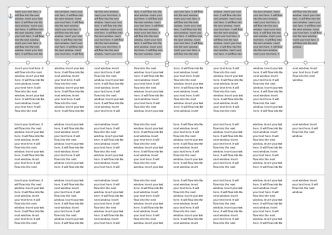
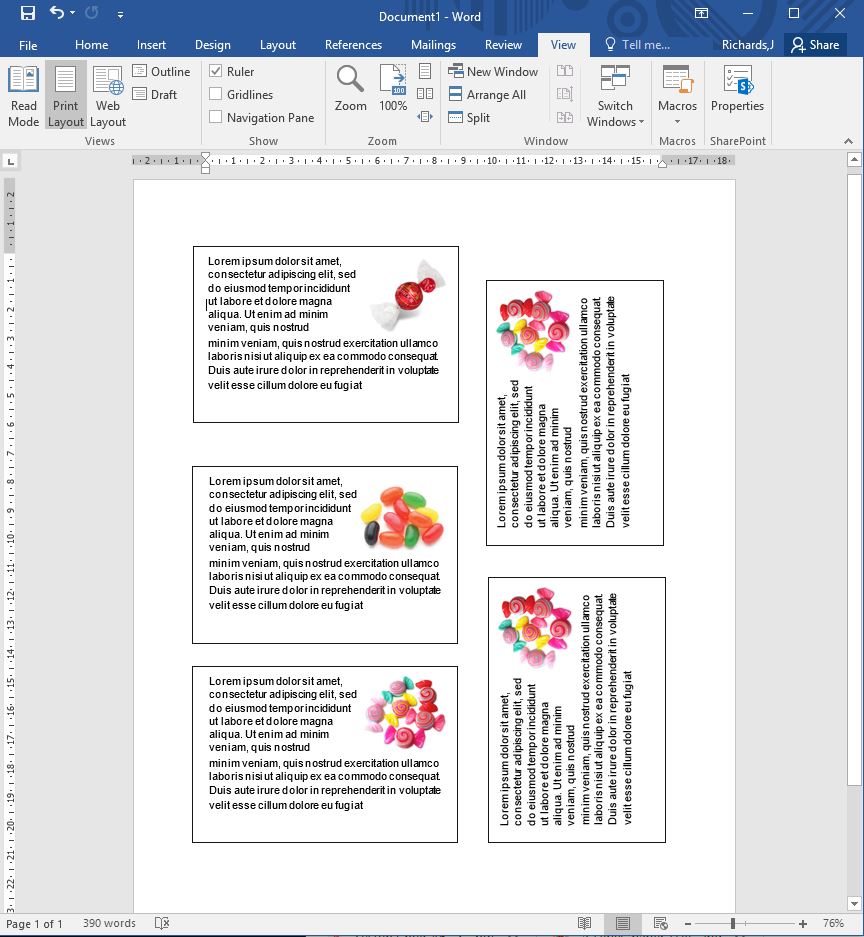
The template is set at A3 and includes two pages. Start on page one and the text boxes flow through to the end. The last text box is not linked and becomes the cover of your notelet.
Simply paste your text in, edit and adapt it. Then copy and paste the content in the another three rows.
Happy daze.
Once printed, at A3 or A4 double-sided , simply guillotine the stack into four.
I guess you could just print the first page – ~450 words.
Students can fold their notelet themselves!
Notelets printed 4 on an A3 sheet.
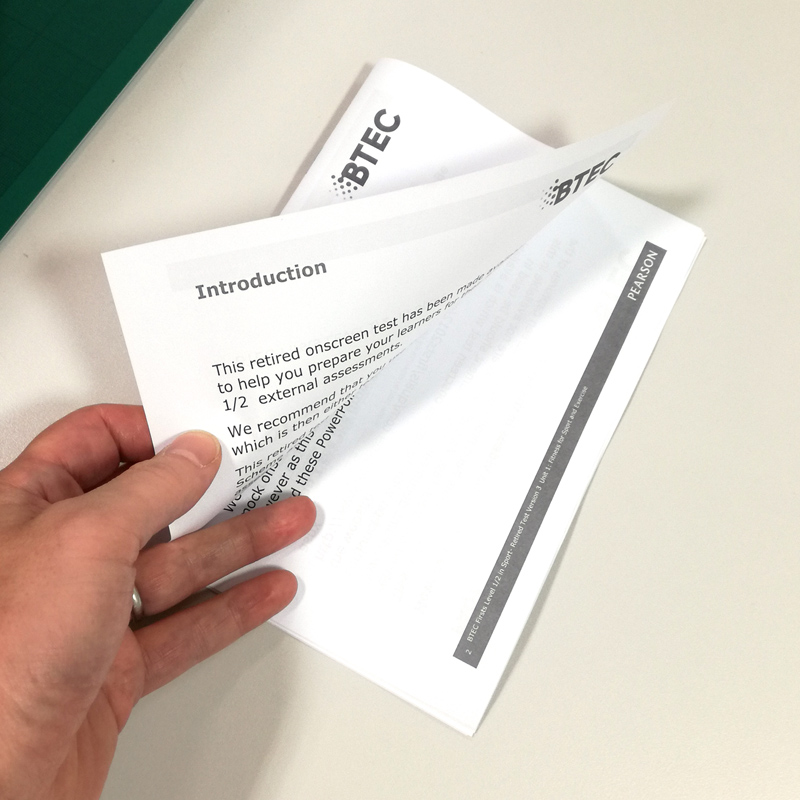
If you print on A4 paper, you may want to increase the type size 2 points – but you’ll then get mini-notelets.
Smaller Notelets printed 4 on an A4 sheet.
When you start playing with MS Word then you really must be in some form of lockdown mode! 🙂
Reprography: the art or process of creating, printing and reproducing documents and graphic material.
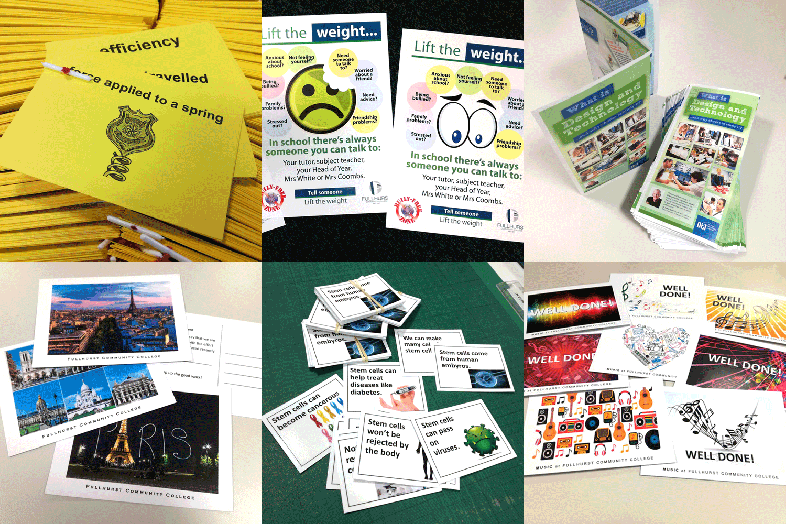
The school Reprographics Department I facilitate supports teaching and learning through the timely provision of a variety of printed resources and graphic design.
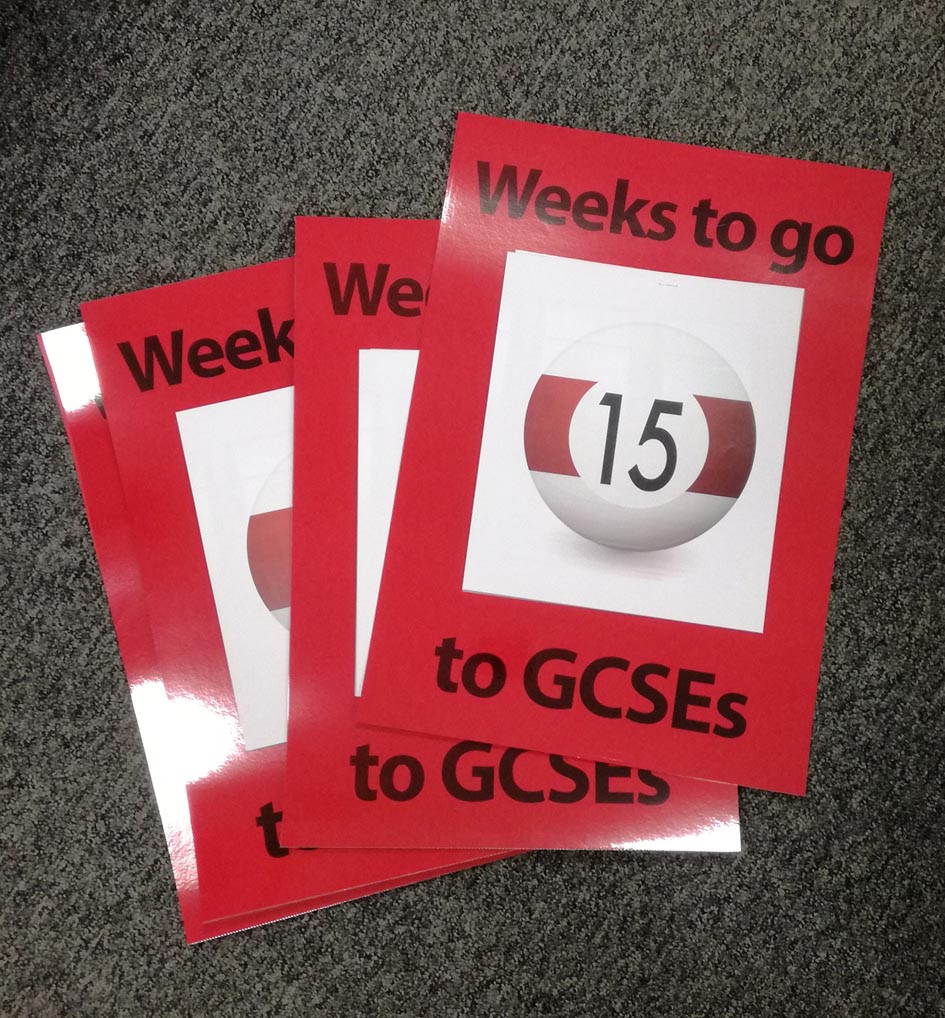
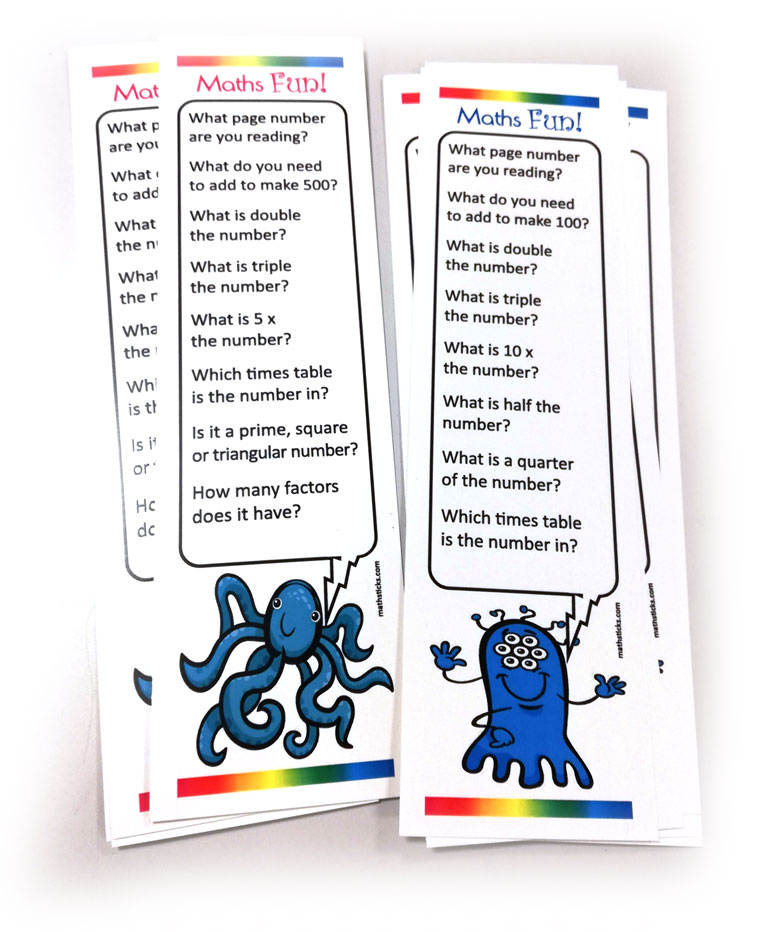
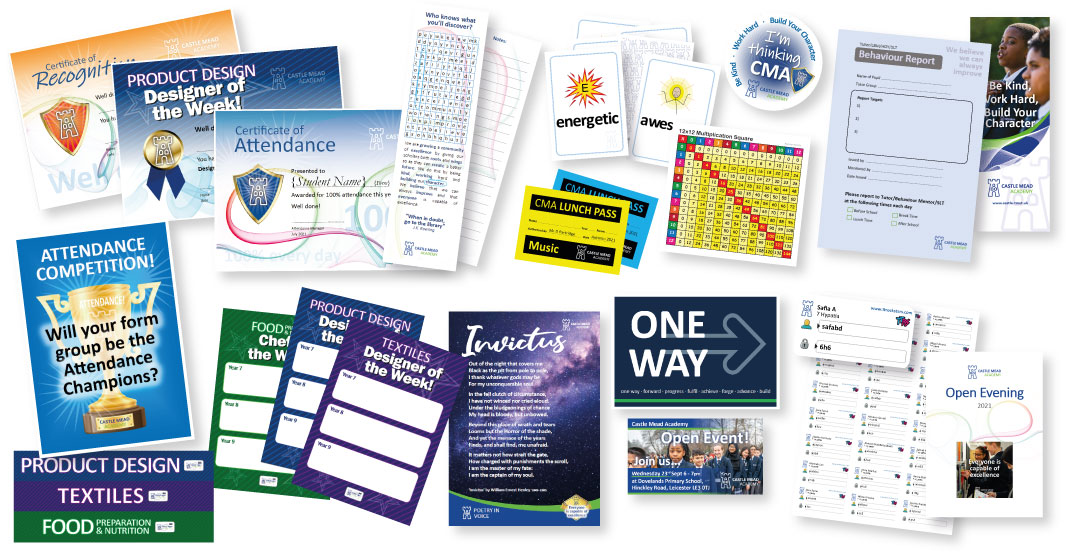
High volume colour & mono printing, on A4, A5 and A3 paper and card. Integral folding and stapling of worksheets, booklets, pamphlets etc. Creation and production of labels, stickers, postcards, flyers, certificates, posters.
Teaching and learning time is valuable, teachers and support staff at the frontline of secondary school education are well aware that their own time is also valuable. Our department is here to create and produce requested printed resources, making more preparation and teaching time for staff.
Mindful of good service, a timely response to print requests is just part of the value we provide. As a reprographics service, we aim to turnaround print requests from all staff, within hours. Juggling numerous requests from multiple staff can be exacting, but scheduling work so we meet required deadlines is an essential part of the service provided.
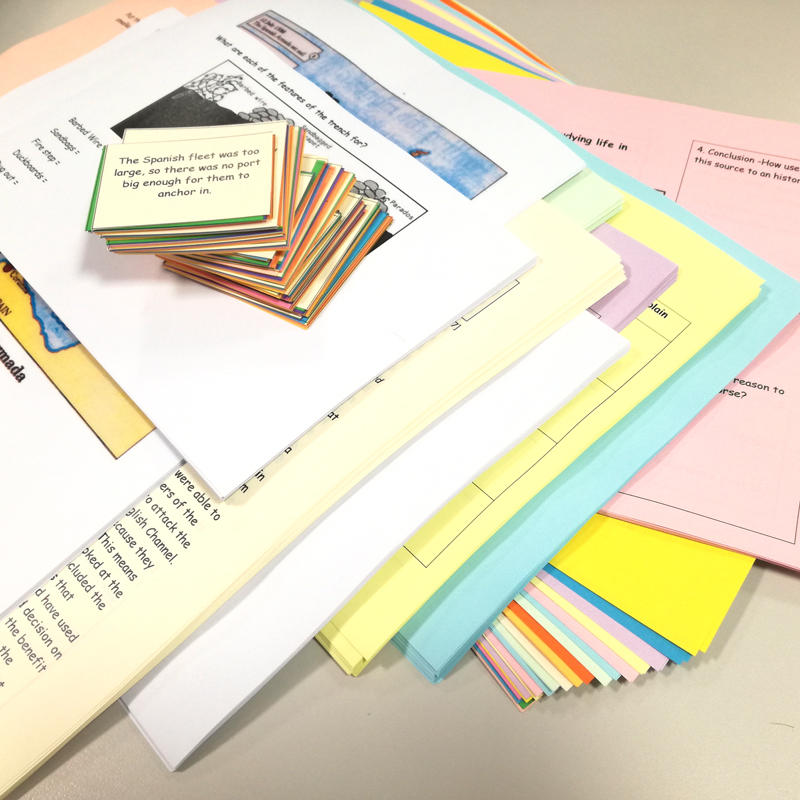
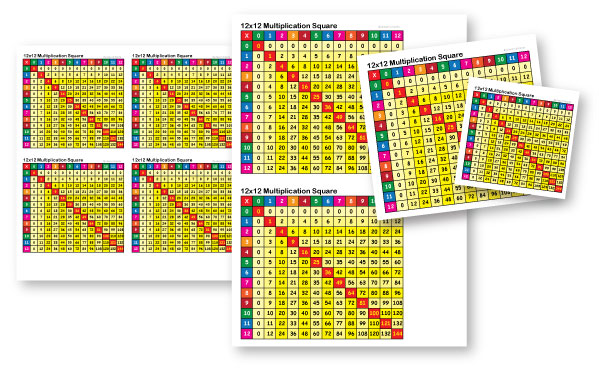
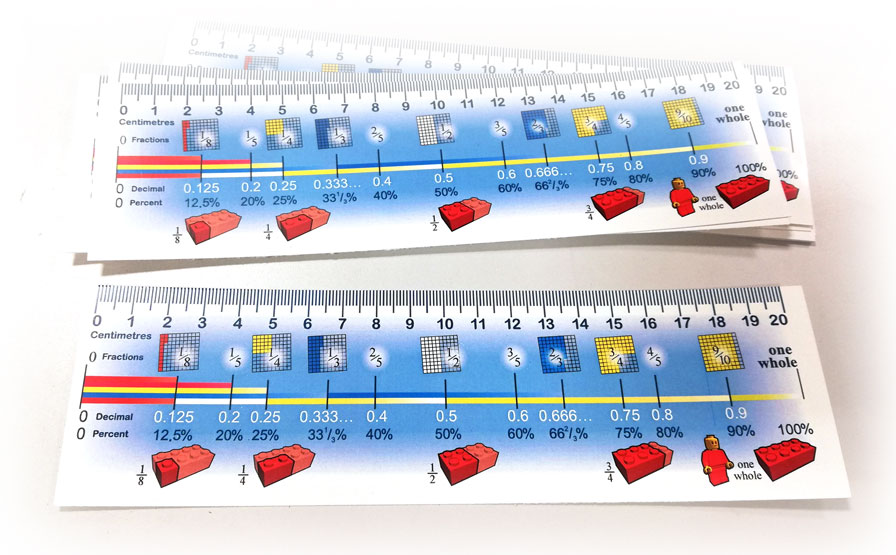
Requests may be for a few dozen worksheets, a few 1000 booklets, through to a varied mix of classroom material; reward cards, certificates, posters, notices, incentives etc. The quality and broad range of items possible is notable. Work may be single-color, full-colour, stitched, folded, hope-punched, laminated, bound… all on a variety of stock materials and finishes.
From scheduled test material and syllabus resources to items designed for more kinesthetic, tactile and visual learning, our daily output is significant and varied.
dav
dav
dav
dav
dav
dav
dav
dav
In an age of digital information,printed visual material is still important in our education system. Printed material can beused in classrooms to encourage students’ learning process and make it easier and interesting. Quality printed graphic material can be a great tool, helping make teaching and the dissemination of knowledge more effective and more successful.
I have revised the bookmark design that I first produced many years ago – see the original below.
The bookmarks were originally created to be left in public places like airports, railway stations, waiting rooms etc. They can be given out, or made available, where people might benefit from ‘taking time out’ of their busy lives.
These new down-loadable bookmarks are now designed so that it can be easily printed at home on your desk-top home printer.
They are designed without bleed, so you can simply print on A4 paper (or preferably card), and then cut it into five bookmarks.
These new bookmarks read:
Sit down comfortably, feet flat on the floor.
For one minute, just be still: Deep breath in… slow exhale… Relax your muscles, calm your breathing… listen…
For one minute, remember something you are grateful for. Say thank you for it, and know that gratitude is good.
For one minute, remember something you regret. Say sorry for it, and know that you are forgiven.
For one minute, think of some good things you would like for another person. Be hopeful for that person.
For one minute, think of some good things you would like for yourself. Ask how will this help you?…and listen for an answer.
For a bonus minute, pause again, and be still… Deep breath in… slow exhale… Relax your muscles, calm your breathing… …try a smile.
Many years ago I created these “5 minutes with God” bookmarks for The Bookmark People.
Alas, The Bookmark People are no longer trading.
The text read:
5 minutes with God…
Sit down comfortably, feet flat on the floor.
For one minute, just be still: relax your muscles, calm your breathing, listen.
For one minute, remember something you are grateful for. Say thank-you to God for it, and be sure that God is happy for you.
For one minute, remember something you regret. Say sorry to God for it, and be sure that God forgives you.
For one minute, think of some good things you would like for another person. Ask God for it. If what you want just isn’t possible, God will still use your prayer to bless that person.
For one minute, think of some good things you would like for yourself. Ask God to show you if it’s right for you, and listen for the answer. God seeks to guide you,
May the peace of God be with you.The original text was by Moira Biggins – NEMACT
I can recompose artwork for this bookmark if required and can arrange for these to be printed if needed.
If you’re interested in these or perhaps something similar – just get in touch…
OK, unless you print using a PCL driver for a Konica Minolta Biz Hub Pro 1100 or similar (geeky moment), this will mean nothing. But, for those that might…
Occasionally you need to do something that you have not needed to do before… like, print a 6000-page document and separate it into units of 30.
So, to do the above, we want to insert a blank coloured sheet into page position 30, 60, 90, 120, 150 etc of a multiple-page (150+) document.
Here’s how:
Under the Cover Mode tab, select ‘Per Page Setting’, and ‘Edit List 1’
‘Add’ a detail between Body1 and Body-End
Edit the page numbers such as 30,60,90,120 etc
Click the ‘Print Type’ and Change Settings [Insert Blank Sheet]
Click the ‘Paper Tray’ and Change Settings eg [Post Inserter Tray1]
Click the ‘Paper Size’ and Change Settings [A4]
And that should do it! Little things please little minds.
Another seemingly small but important job for a friend who needed a logo styling for a new venture.
What might seem like a small thing, is, in fact, a very important consideration. Your identity, your visual signature, the flag you wave, your calling card, your shop window, your brand. This matters. It’s about sharing values, promise and reputation. It’s about shaping perceptions.
“Your brand is the single most important investment you can make in your business”
— STEVE FORBES, FORBES MAGAZINE
From their
brief, I offered a few initial draft ideas…
One of which developed into the chosen logo.
Leonum Property will soon be looking for property in Leicestershire and are planning a promotional push with the help of flyers and social media.
But this small job is one of the most important parts of a new venture.
Your visual identity, what people see when they seek, search or think of your product or service.
The branding of your service is an important element when launching your shop window to the world. The ‘shop window’ these days is in a large part online, as well as on leaflets or flyers.
Cindy is looking to develop her one-to-one services shortly and asked me to develop some ideas for a logo and branding.
Based in Leicester, Cindy provides diet and nutrition advice relating to issues such as weight management, IBS, diabetes, malnutrition, etc.
UPDATE JULY 2025: The article below the stars, written a few years back, will soon be redundant, as Microsoft announced the end of its Publisher trinket. But this leaves us without Publishers unique hyper-useful asset!
Yes, graphics are not a problem and better on many other softwares but … here’s a challenge…
The big big loss, that no other software does in the same hyper easy useful way is print multiple pages per sheet. Publisher allows you to create bespoke page sizes and print multiple pages (mail merged and or double-sided) sheets. This is so so useful for tickets, cards, passes, slips etc.
To date there’s NO other software that offers print bespoke page sizes multiple pages per sheet!
Challenge find an alternative! ?
**************************
Saving money, paper & time… by using MS Publisher* (“shock horror”) to create smaller sized documents that use all of the paper. Ask me! I have been in the print industry for more than 30 years. I have lived scalpels, pixels, lick & stick, copy & paste, raster & vector… and I’ve experienced numerous graphics-for-print software platforms. While Adobe Creative Suite and the like are still the print craftsperson‘s go-to tool, I now surprise myself by recommending a more domestic tool for easy print and copy projects. People in industries such as education don’t necessarily have access to professional tools such as Adobe Creative Suite. Teachers and educators have better things to do with their teaching and learning time than play with toolboxes and layers. They tend to stick to Microsoft’s Word† (it’s good at word processing) and PowerPoint† (because the screen is their primary communication tool).
“Eeeeek!”
However, I am often sent documents with boxed items on them; to be printed multiple times, and to be trimmed out into cards or batched sets. This is fine if you want one set, but it does waste paper. If you want a dozen or more, this wastes a lot of paper… and the guillotining and sorting takes ages to avoid mixing sets up. This uneconomical unproductivity can be easily sorted – saving money**, with zero paper wastage, more print per sheet, and easy guillotining and set sorting – and we can make it look good! For the layman, I’m recommending more use of software like Microsoft Publisher*, yes MS Publisher can be a versatile tool for the non-professional user when planning for multiple batch printing. Or for simply printing economically. Your Word or PowerPoint creations can usually be transferred to Publisher, but I suggest using it as a default tool for print-based projects. Revision Flash Cards, Study Aids, Card Sortsetc.
Let’s say you want ~20 different small cards. What you could ask for is 20 A7 cards. (A7 is 8 to a sheet of A4. You could have any size card, as long as it multiples into an A4 page) So, we set one Publisher page at the desired size, see below, Duplicate a master, and create our ~20 different pages. With Publisher we can then print this on A4 as a stack of sets that can be easily electronically guillotined and banded. It’s versatile, can look great, and it saves time and paper**. You end up with multiple batches (quantity per sheet) of the set of ~20.
Don’t fret – send me the content, and given time I can create the .Pub doc for you. Just don’t spend your time in Word†, or heaven forbid Powerpoint†, trying to make it look nice.
If you need them – there are few Publisher “cards” and “label” template documents for you to download here:
*Horror, Yes, Publisher! When I first was prompted to use publisher, because the situation didn’t warrant the cost of the more professional options, I was horrified. For starters, its Microsoft, but my preconceptions about MS turned out to be a tad misplaced. Secondly, it initially looks like you’re using a child’s toy. But get over it! It’s a very versatile tool for simple multiple-page publishing needs. Projects can even look qood, if you use design elements created in Photoshop and Illustrator etc. †Word is a word processing program. PowerPoint is for creating screen presentations. **I the long-term, planning economically and productively can save an institution £1000s
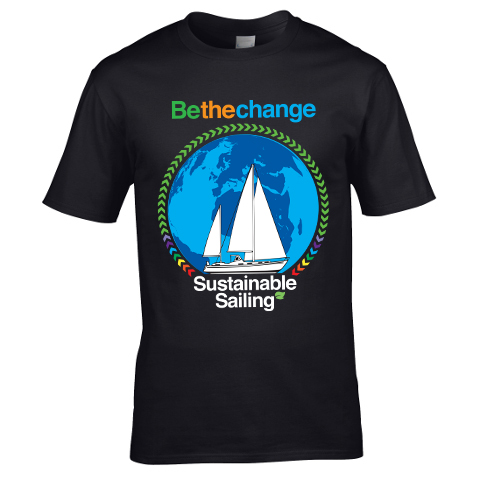
A little project undertaken for the summer was the design of a logo and branding for Charnwood Guides’ ‘Escape Pods’ activities. ‘Escape Pods’ is a project that sees young people puzzling there way through various items and encounters, and featured as an activity at this Summer’s Charnwood 2019 International Scout and Guide Camp.
Designed to feature in many formats from stitched badges and t-shirts to giant flags, the logo and its elements featured throughout the escape room material that the young people puzzled their way through.
I am informed it was a great success and a lot of fun was had by all!












 OK, unless you print using a PCL driver for a Konica Minolta Biz Hub Pro 1100 or similar (geeky moment), this will mean nothing. But, for those that might…


 You can see more of what I do here: ‘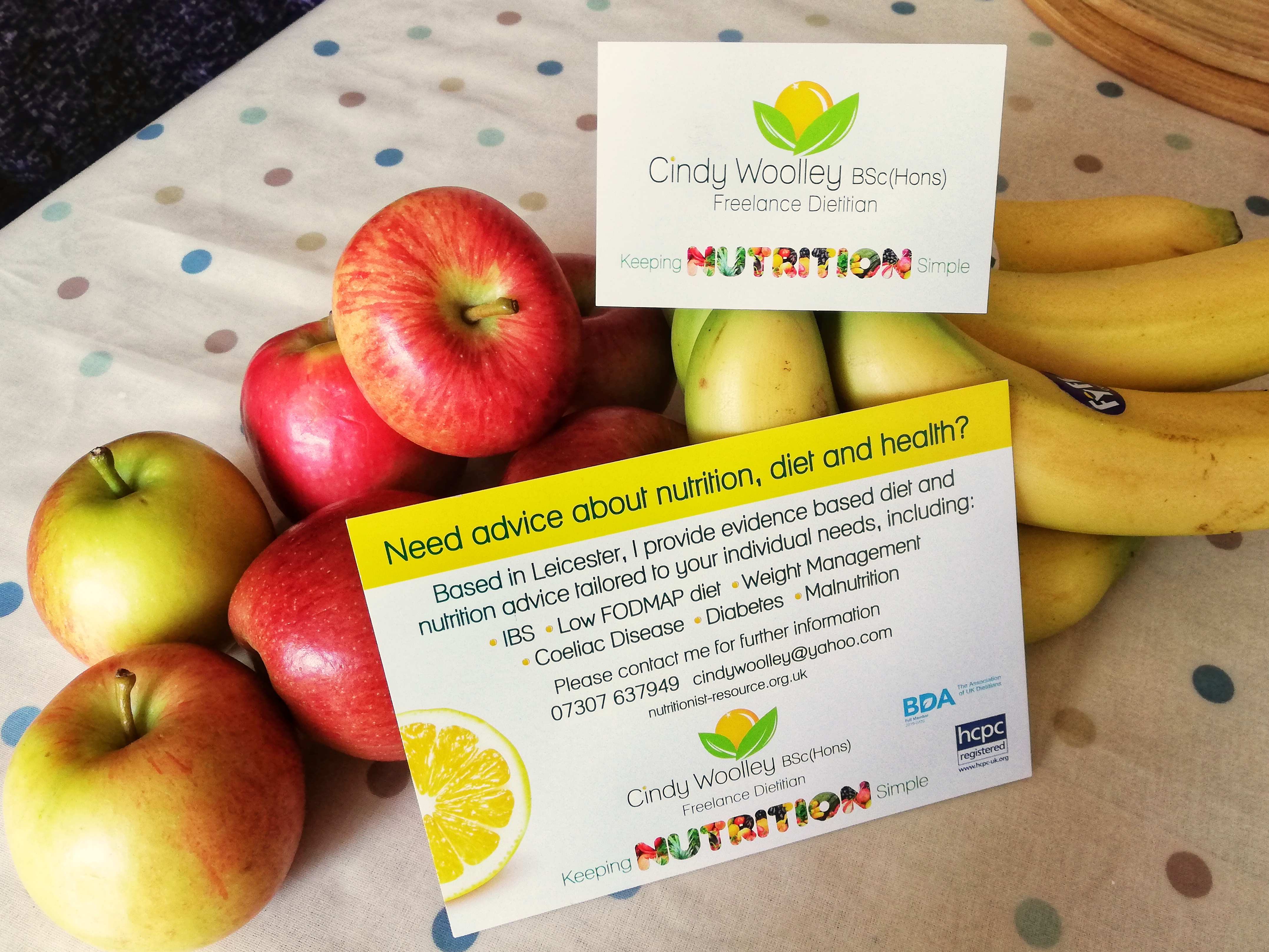






 A little project undertaken for the summer was the design of a logo and branding for Charnwood Guides’ ‘Escape Pods’ activities. ‘Escape Pods’ is a project that sees young people puzzling there way through various items and encounters, and featured as an activity at this Summer’s


 Designed to feature in many formats from stitched badges and t-shirts to giant flags, the logo and its elements featured throughout the escape room material that the young people puzzled their way through.


 Jules P Richards