Categories
Uncategorized

MS Publisher NOT still great for bespoke items :-(

UPDATE JULY 2025: The article below the stars, written a few years back, will soon be redundant, as Microsoft announced the end of its Publisher trinket. But this leaves us without Publisher’s unique hyper-useful asset!

Yes, graphics are not a problem and better on many other softwares but … here’s a challenge…

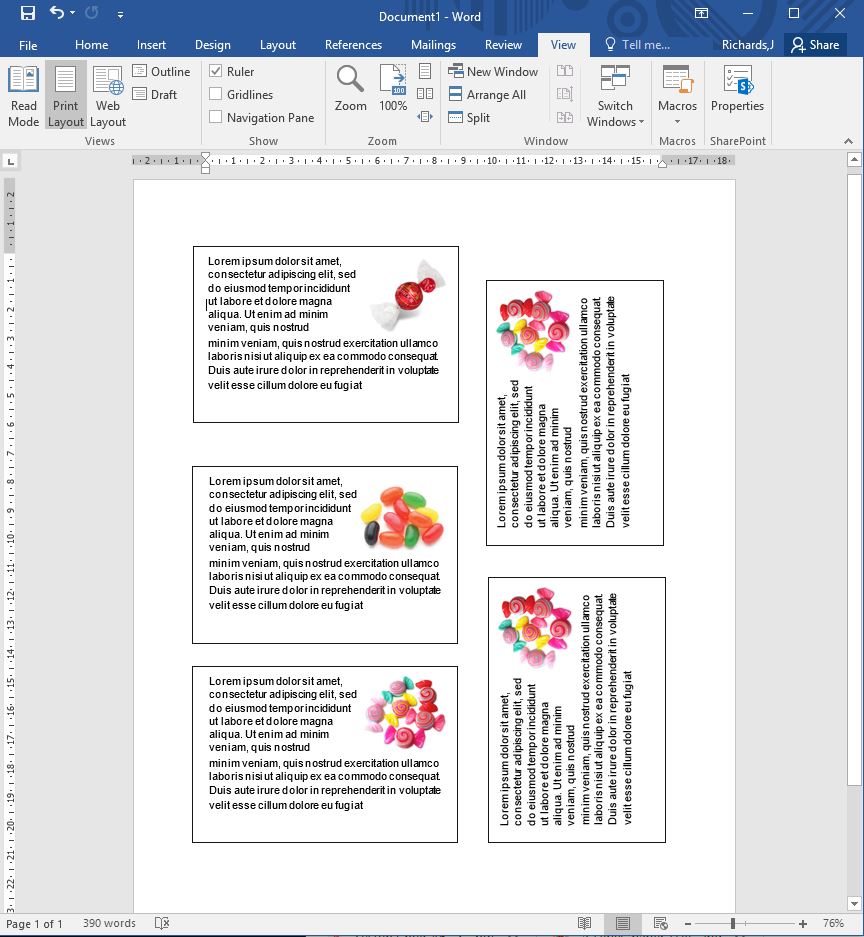
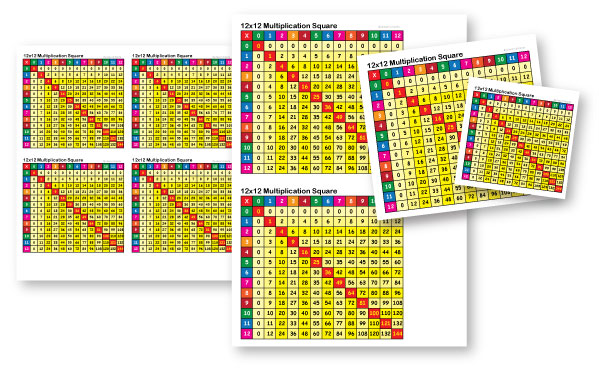
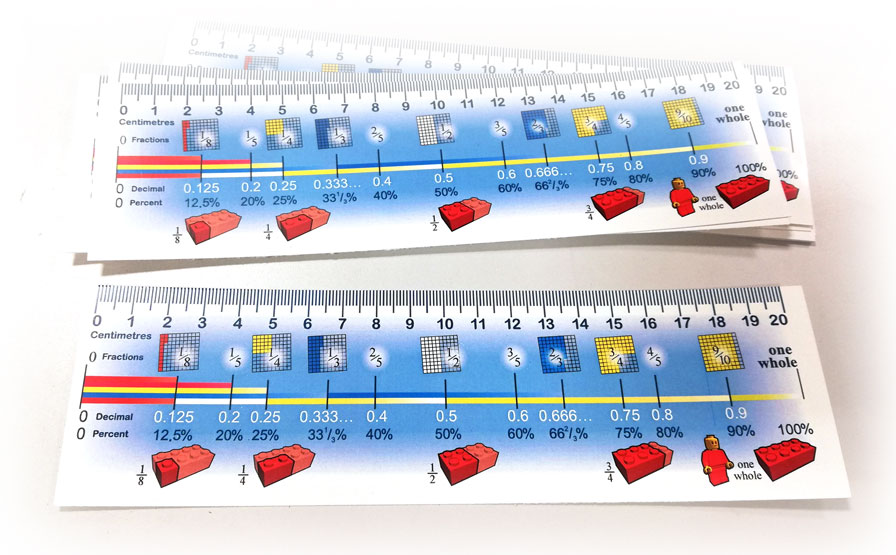
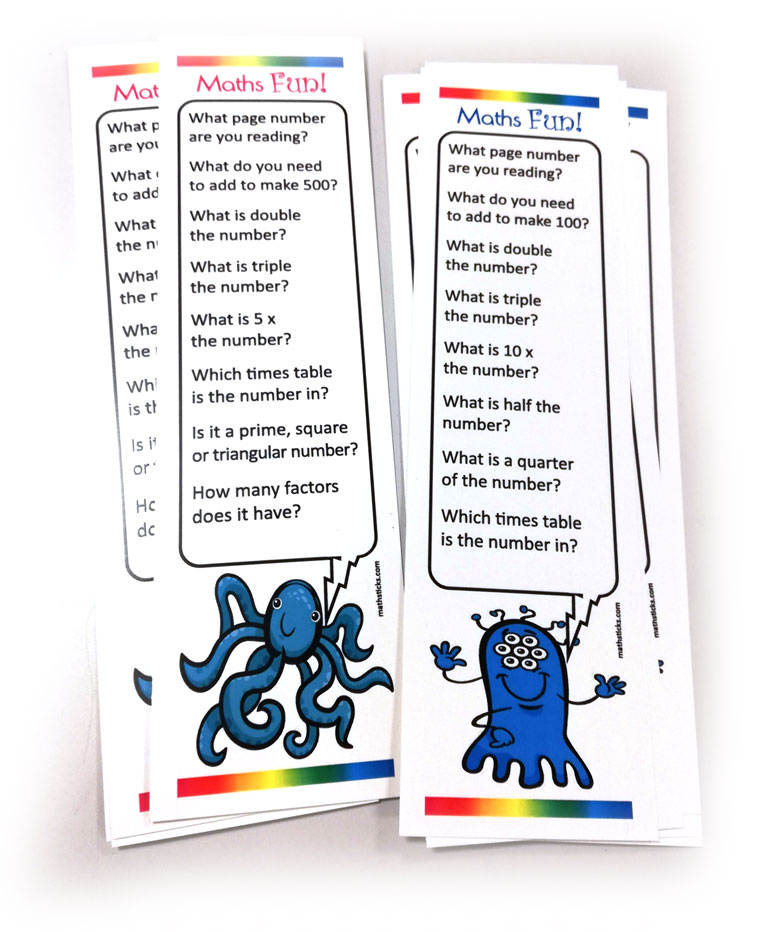
The big big loss, that no other software does in the same hyper-easy useful way is print multiple pages per sheet. Publisher allows you to create bespoke page sizes and print multiple pages (mail merged and or double-sided) sheets. This is so so useful for tickets, cards, passes, slips etc.

To date there’s NO other software that offers print bespoke page sizes multiple pages per sheet!

Challenge find an alternative! ?

**************************
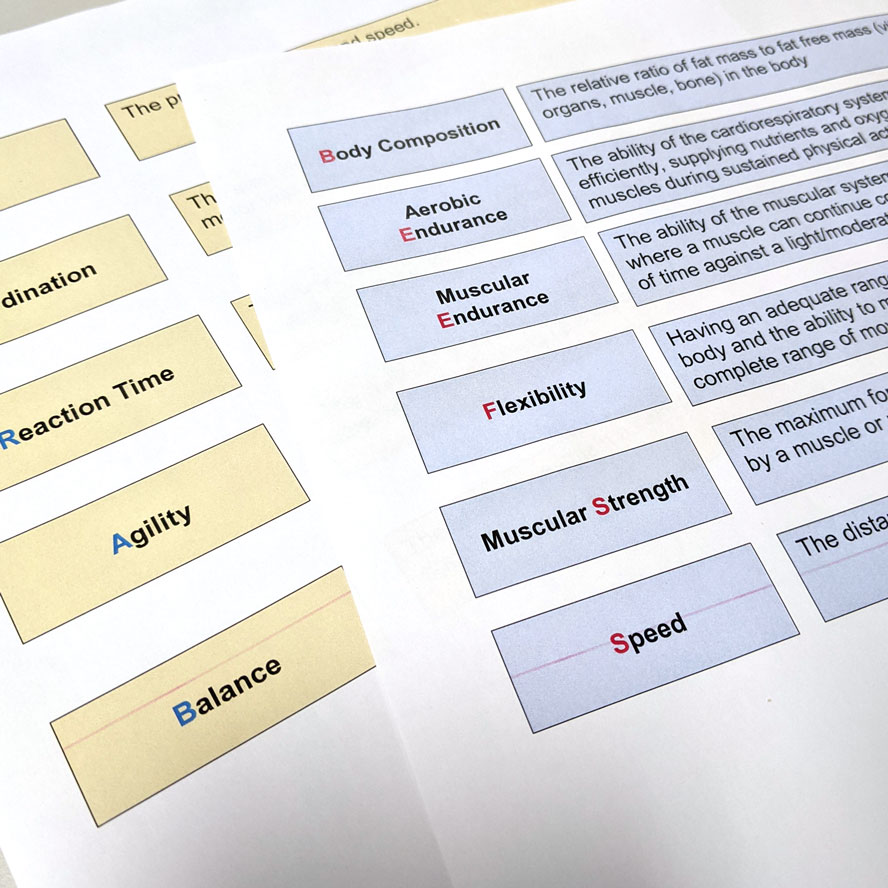
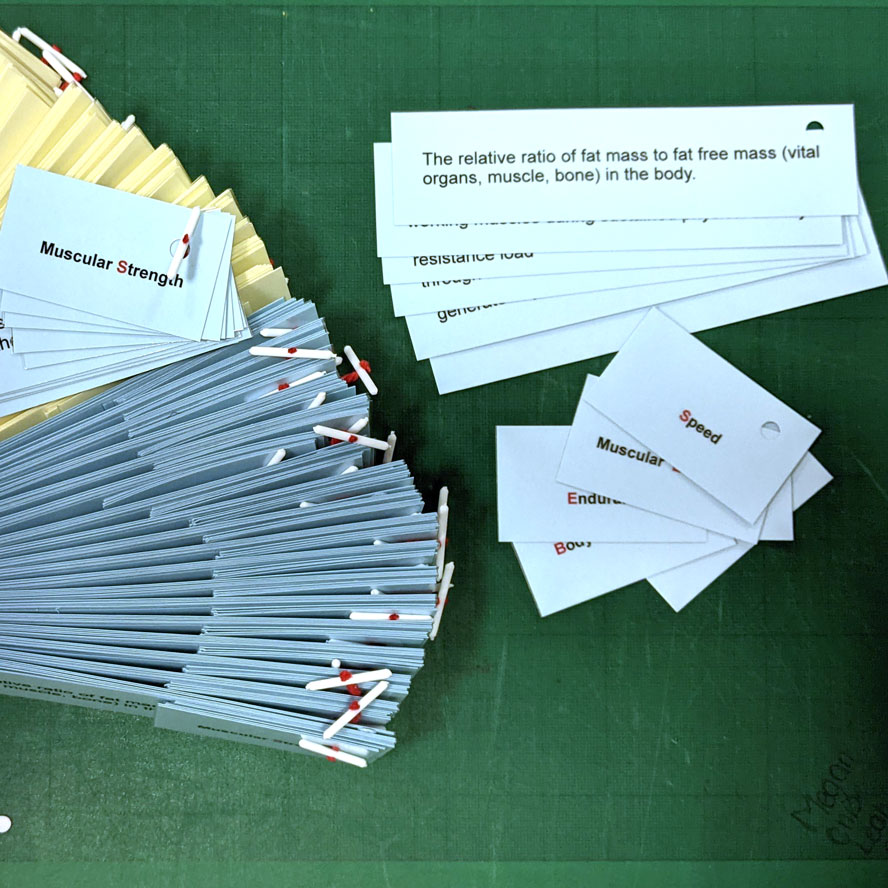
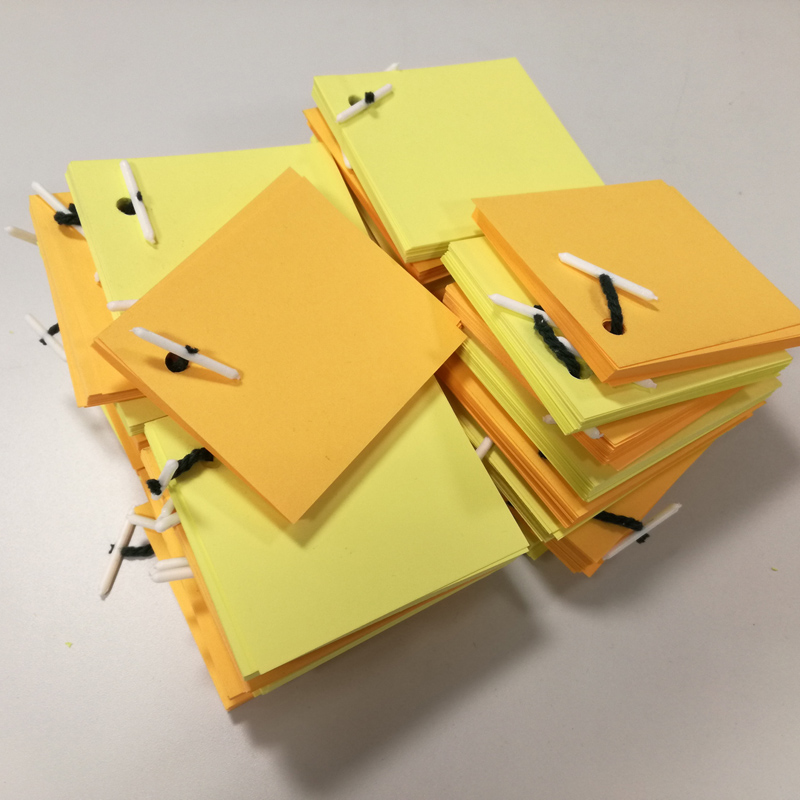
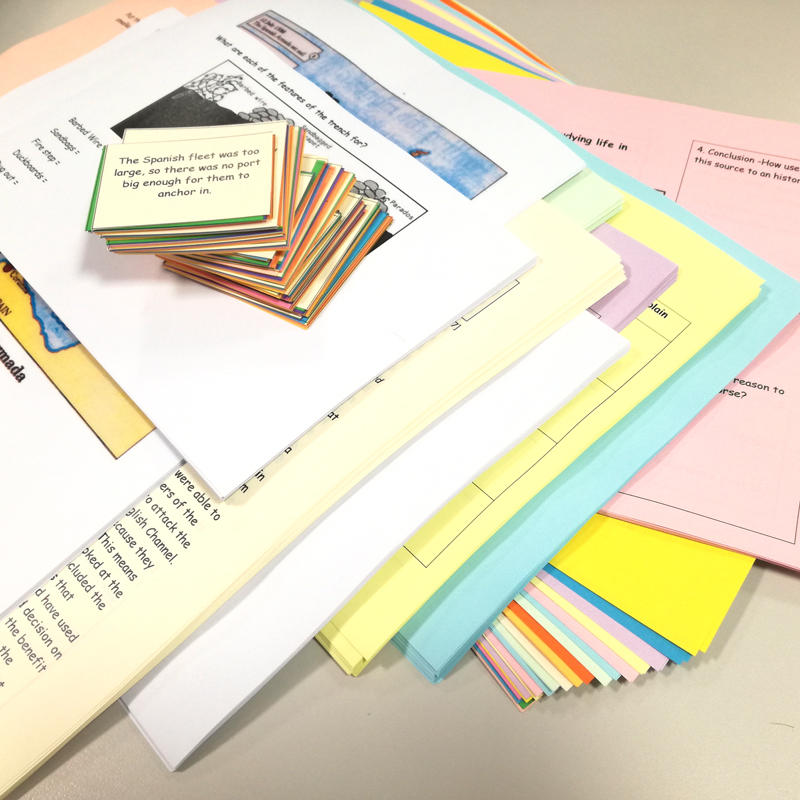
Match-cards, revision-cards, flashcards… Yes, it’s easy to use the default Microsoft Word†, add boxed text etc and trim-out cards. But it’s not very tidy or economical and to be honest there’s an easier, tidier and more economical way.

Our old friend Microsoft Publisher*. If you have MS Office then it’s there. Often underused it’s a great tool of creating multiple odd sized cards, tags, stickers etc.
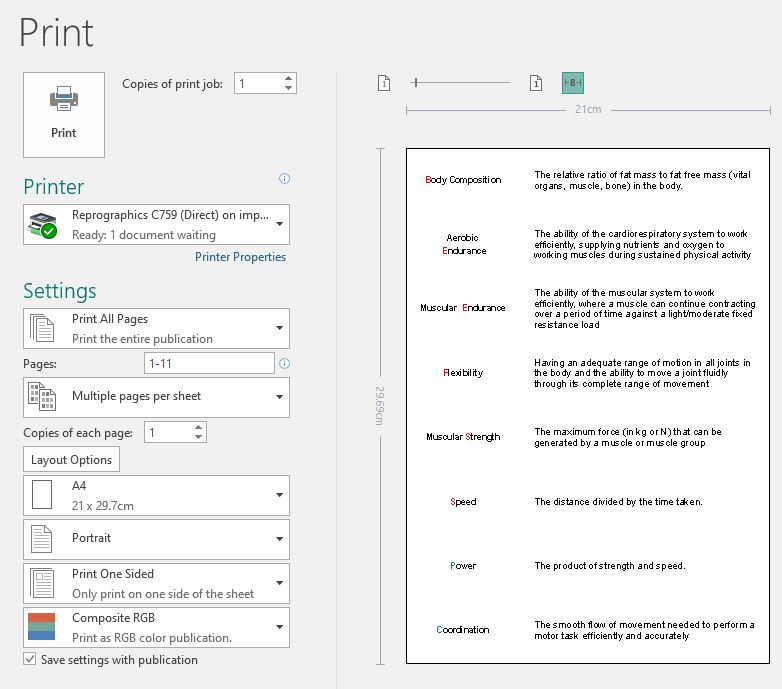
It’s easy to make the bespoke page size to fit on A4.

I given examples of this before, ‘Save Paper, Time & Money’ here.

So, we set one Publisher page at the desired size. You could have any size card, as long as it multiples into an A4 page.

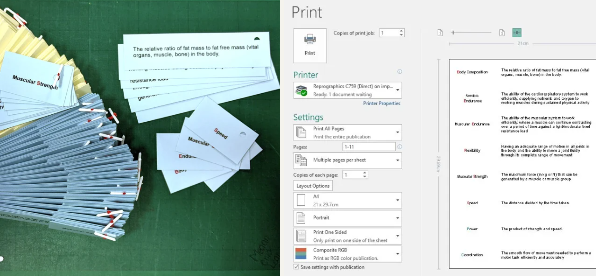
Duplicate a master, and create your different pages (or mail-merge your data/text into a master). With Publisher we can then print this on A4 as a set (multiple pages per sheet) or as a stack of sets (multiple copies per sheet). These can be easily electronically guillotined and banded. 

It’s versatile, can look great, and it saves time and paper**.

*Horror, Yes, Publisher! When I first was prompted to use publisher, because the situation didn’t warrant the cost of the more professional options, I was horrified. My preconceptions about Microsoft turned out to be a tad misplaced. It initially looks like you’re using a child’s toy. But get over it! It’s a very versatile tool for simple multiple-page publishing needs – you can create print-impositions for press that InDesign can’t do! Projects can even look qood, if you use design elements created in Photoshop and Illustrator etc.

Uneconomical unproductivity can be easily sorted – saving money, with zero paper wastage, more print per sheet, and easy guillotining and set sorting – and we can make it look good! In the long-term, planning economically and productively can save an institution £1000s

†Word is a word processing program. PowerPoint is for creating screen presentations. 

‘Save Paper, Time & Money’ here.

Categories
Uncategorized

Save money, save paper, save time – School Repro.

The article below the stars, written a few years back, will soon be redundant, as Microsoft announced the end of its Publisher trinket. But this leaves us without Publishers unique hyper-useful asset!

Yes, graphics are not a problem and better on many other softwares but … here’s a challenge…

The big big loss, that no other software does in the same hyper easy useful way is print multiple pages per sheet. Publisher allows you to create bespoke page sizes and print multiple pages (mail merged and or double-sided) sheets. This is so so useful for tickets, cards, passes, slips etc.

To date there’s NO other software that offers print bespoke page sizes multiple pages per sheet!

Challenge find an alternative! ?

********************************

Saving money, paper & time… by using MS Publisher* (“shock horror”) to create smaller sized documents that use all of the paper. Ask me!

I have been in the print industry for more than 30 years. I have lived scalpels, pixels, lick & stick, copy & paste, raster & vector… and I’ve experienced numerous graphics-for-print software platforms. While Adobe Creative Suite and the like are still the print craftsperson‘s go-to tool, I now surprise myself by recommending a more domestic tool for easy print and copy projects.
People in industries such as education don’t necessarily have access to professional tools such as Adobe Creative Suite. Teachers and educators have better things to do with their teaching and learning time than play with toolboxes and layers. They tend to stick to Microsoft’s Word† (it’s good at word processing) and PowerPoint† (because the screen is their primary communication tool).

“Eeeeek!”

However, I am often sent documents with boxed items on them; to be printed multiple times, and to be trimmed out into cards or batched sets. This is fine if you want one set, but it does waste paper. If you want a dozen or more, this wastes a lot of paper… and the guillotining and sorting takes ages to avoid mixing sets up.
This uneconomical unproductivity can be easily sorted – saving money**, with zero paper wastage, more print per sheet, and easy guillotining and set sorting – and we can make it look good!
For the layman, I’m recommending more use of software like Microsoft Publisher*, yes MS Publisher can be a versatile tool for the non-professional user when planning for multiple batch printing. Or for simply printing economically. Your Word or PowerPoint creations can usually be transferred to Publisher, but I suggest using it as a default tool for print-based projects.
Revision Flash Cards, Study Aids, Card Sorts etc.

Let’s say you want ~20 different small cards.
What you could ask for is 20 A7 cards. (A7 is 8 to a sheet of A4. You could have any size card, as long as it multiples into an A4 page)
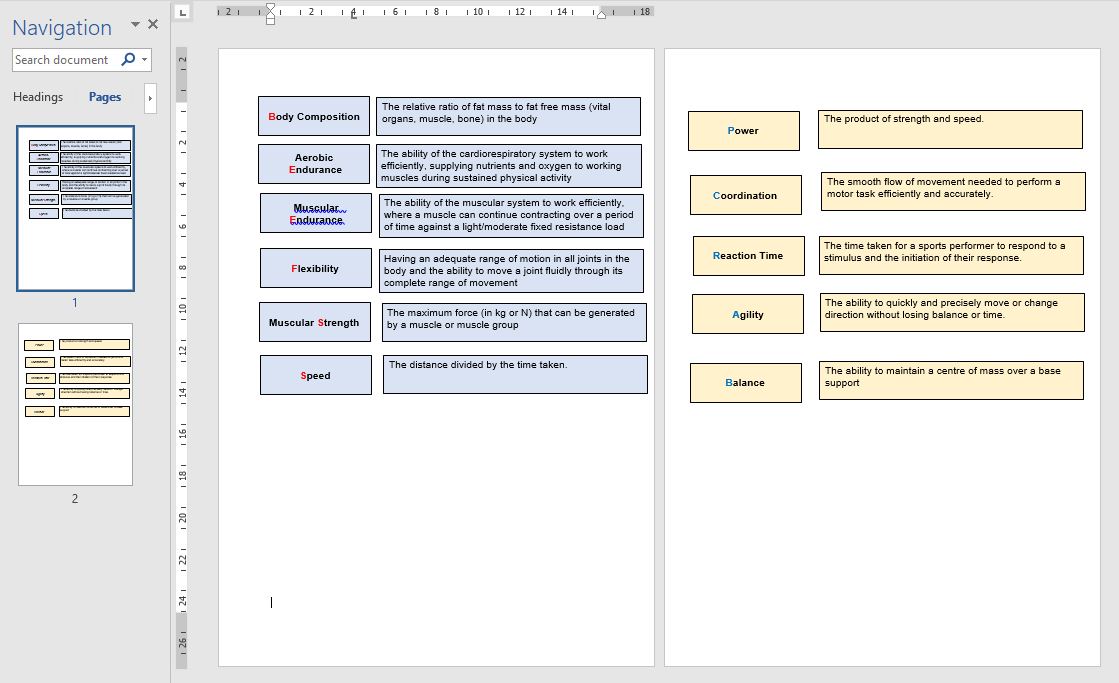
So, we set one Publisher page at the desired size, see below,
Duplicate a master, and create our ~20 different pages.
With Publisher we can then print this on A4 as a stack of sets that can be easily electronically guillotined and banded.
It’s versatile, can look great, and it saves time and paper**.
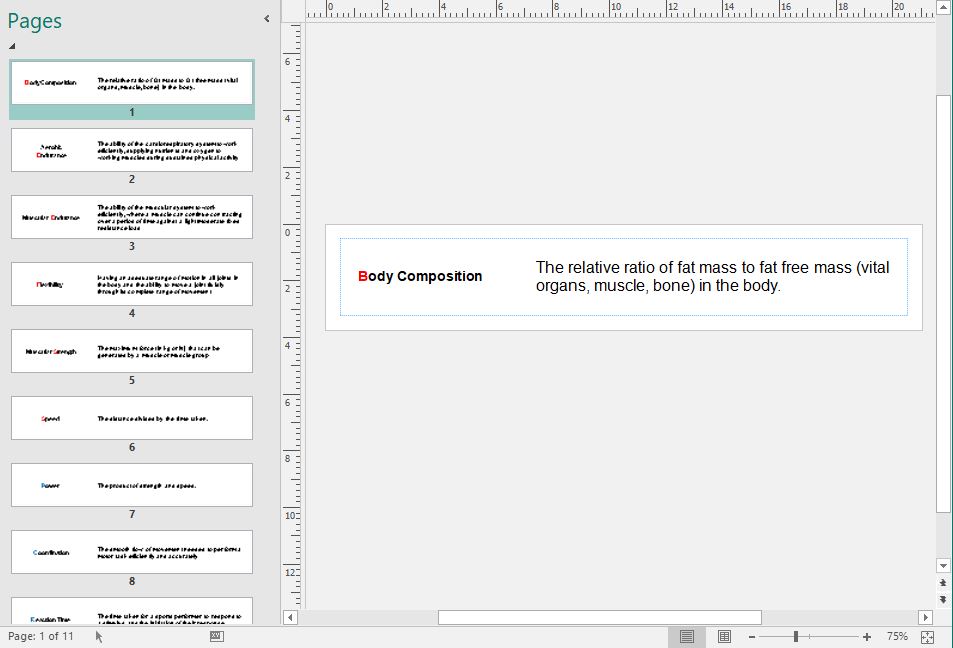
You end up with multiple batches (quantity per sheet) of the set of ~20.


Don’t fret – send me the content, and given time I can create the .Pub doc for you. Just don’t spend your time in Word†, or heaven forbid Powerpoint†, trying to make it look nice.

If you need them – there are few Publisher “cards” and “label” template documents for you to download here:

https://www.dropbox.com/sh/jkg2mjv3we5u59b/AAB6LXvedE3LjTjoD8cA6QTOa?dl=0


*Horror, Yes, Publisher! When I first was prompted to use publisher, because the situation didn’t warrant the cost of the more professional options, I was horrified. For starters, its Microsoft, but my preconceptions about MS turned out to be a tad misplaced. Secondly, it initially looks like you’re using a child’s toy. But get over it! It’s a very versatile tool for simple multiple-page publishing needs. Projects can even look qood, if you use design elements created in Photoshop and Illustrator etc.
†Word is a word processing program. PowerPoint is for creating screen presentations.
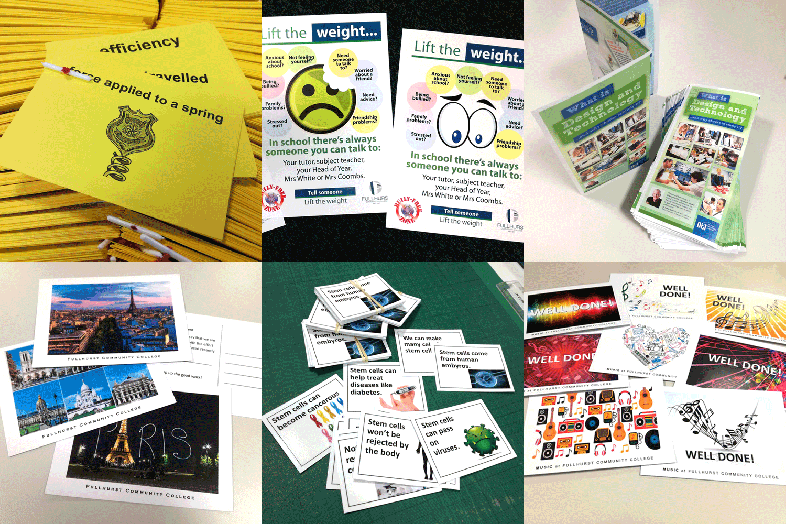
**I the long-term, planning economically and productively can save an institution £1000s

Categories
Uncategorized

‘Care’ful rebranding

And, another project I’ve been involved in recently is helping with a rebrand for a community care provider in Cornwall.

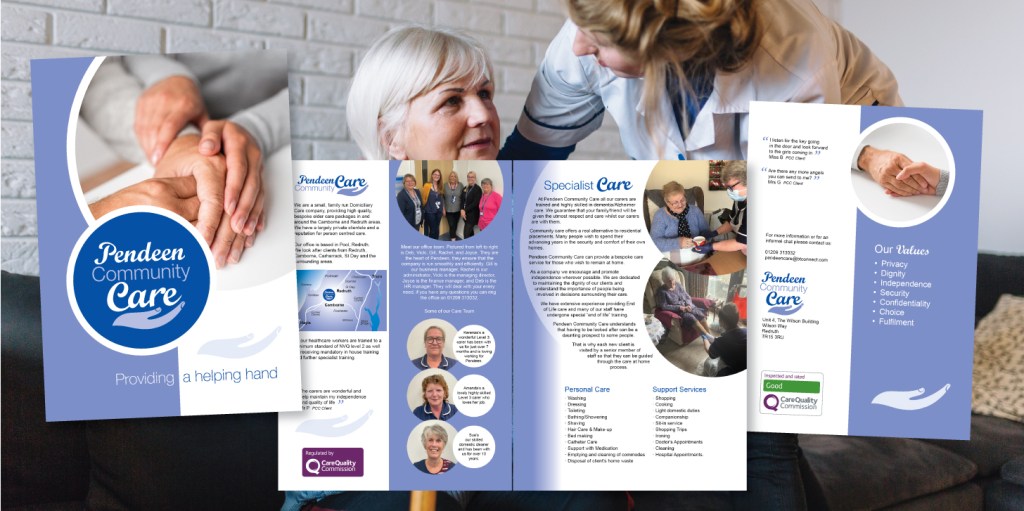
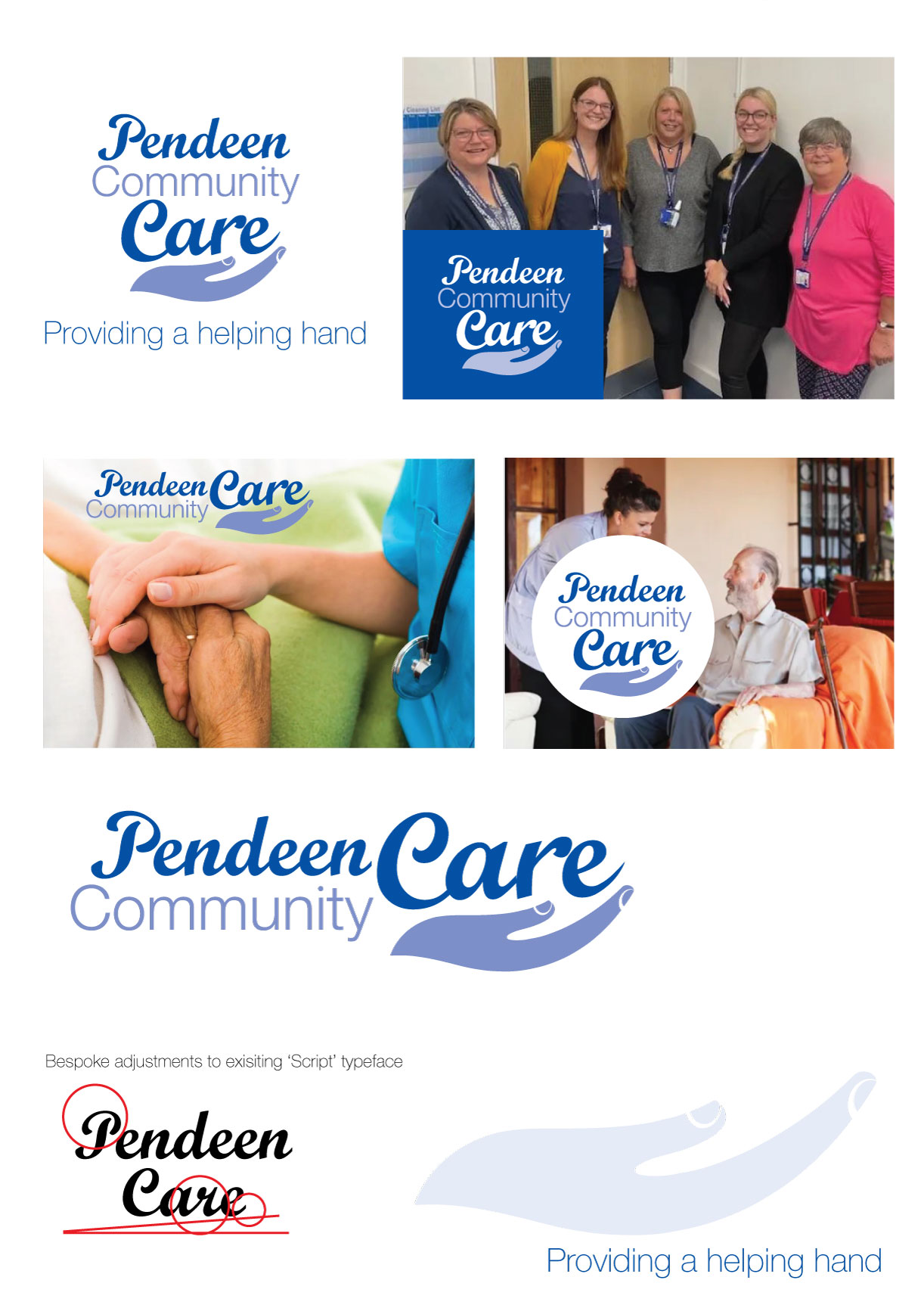
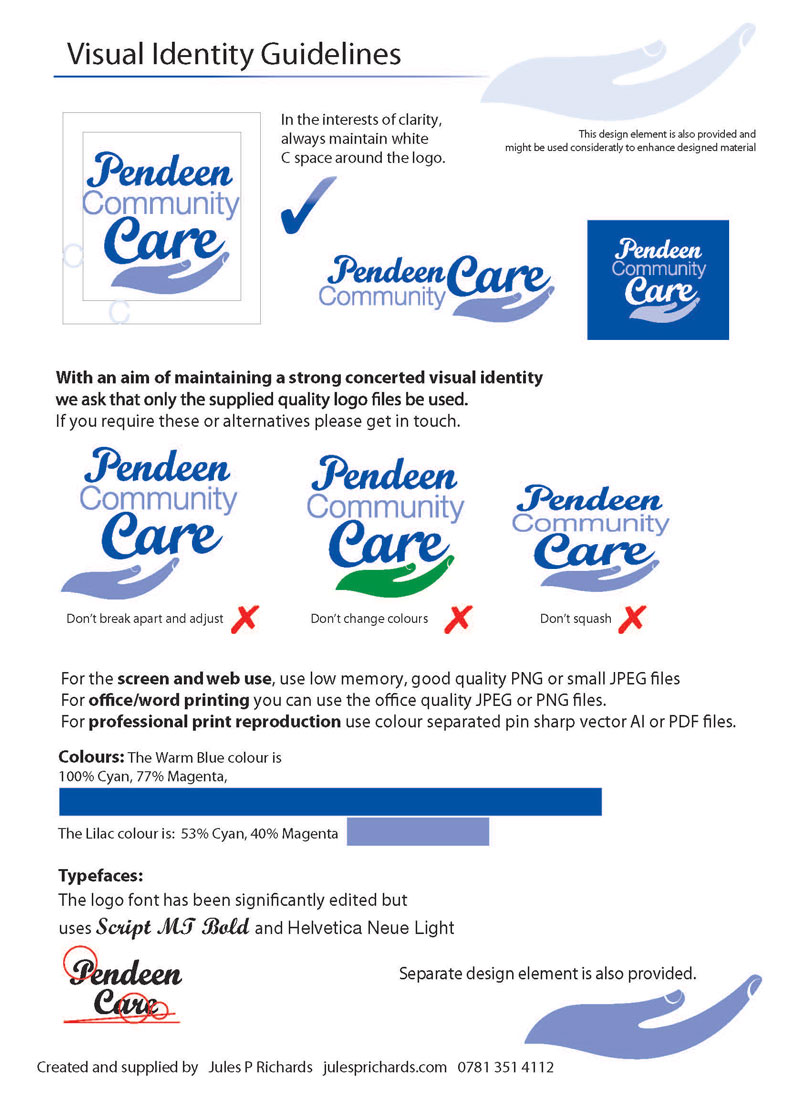
I’ve developed a bespoke new logo for Pendeen Community Care. I’m also working on a brochure, roller banner, and leaflets etc.

Pendeen Community Care are “a small, family run domiciliary care company, providing high quality, bespoke elder care packages in and around the Camborne and Redruth area.”

PCC Brochure – Initial Draft.

“At Pendeen Community Care all our carers are trained and highly skilled in dementia/Alzheimer care. We guarantee that your family/friend will be given the utmost respect and care whilst our carers are with them. Pendeen Community Care offers a real alternative to residential placements. Many people wish to spend their advancing years in the security and comfort of their own homes.”

Design for print and publicity – it’s what I do.

Categories
print Uncategorized

Graphic Repro

Repro; copying and reproduction of documents and printed material.
Graphics; creating imagery and visual material to communicate significance.

A friend once said, “you just do colouring-in for a living”. Yes, perhaps; but, as I have studied… the graphic Signifier will relay an idea that is Signified; in essence, this is what a Sign is.

As David Carson said, “Just because something is legible doesn’t mean it communicates”.

How can we make the most of a simple opportunity to say something?

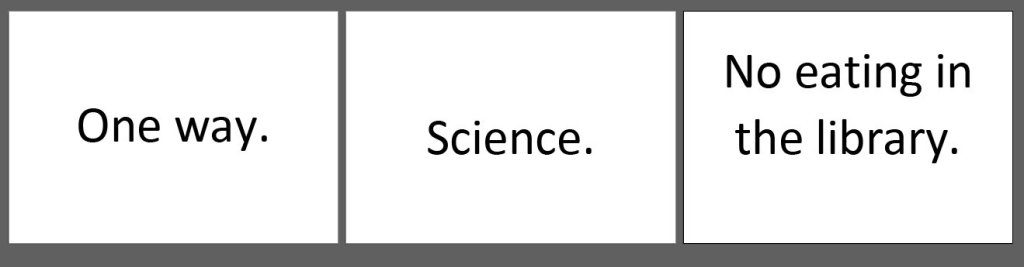
“Can you just do a simple ‘One Way’ sign for me?” Or, a sign to ‘Science’… or a ‘No eating in the library’ notice?

Yes, of course, but what more can we do with that opportunity for signification?

We can add value to the everyday. Often print might simply have a utilitarian function, but that does not mean to say it can’t have added value, look smart, and reflect or reinforce the tone and climate of its environment. 

Can you just print me some signs saying ‘Textiles’ and ‘Graphics’? 

Yes, of course, but what more can we do with that sign?

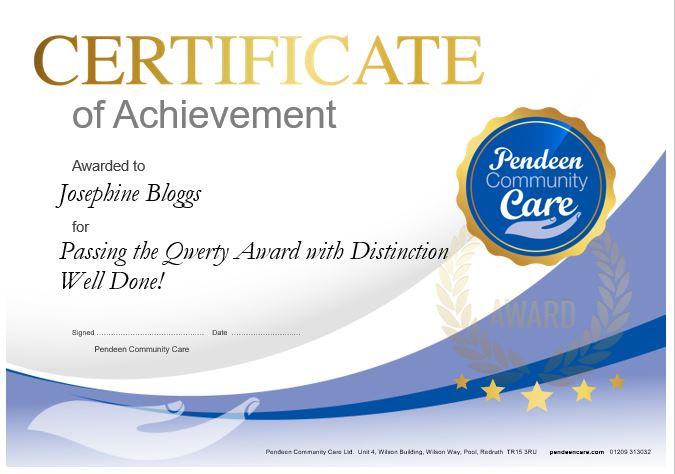
The front cover of a worksheet, the postcard home, the certificate of achievement, or even the punctuality report; all of these can have added value beyond the initial function. Integral to their design, they can reflect and reinforce the values, visions and ambitions of the organisation.

This can be done in part by keeping the style and form of the organisation’s design elements consistent, and adding and repeating form and sub-content that promotes values and reinforces messages.

There’s more to it than that, but again as David Carson said, “It’s not about knowing all the gimmicks and tricks…”… You need to feel it.

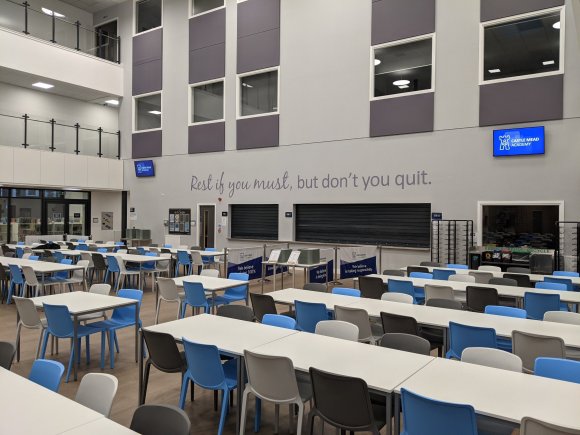
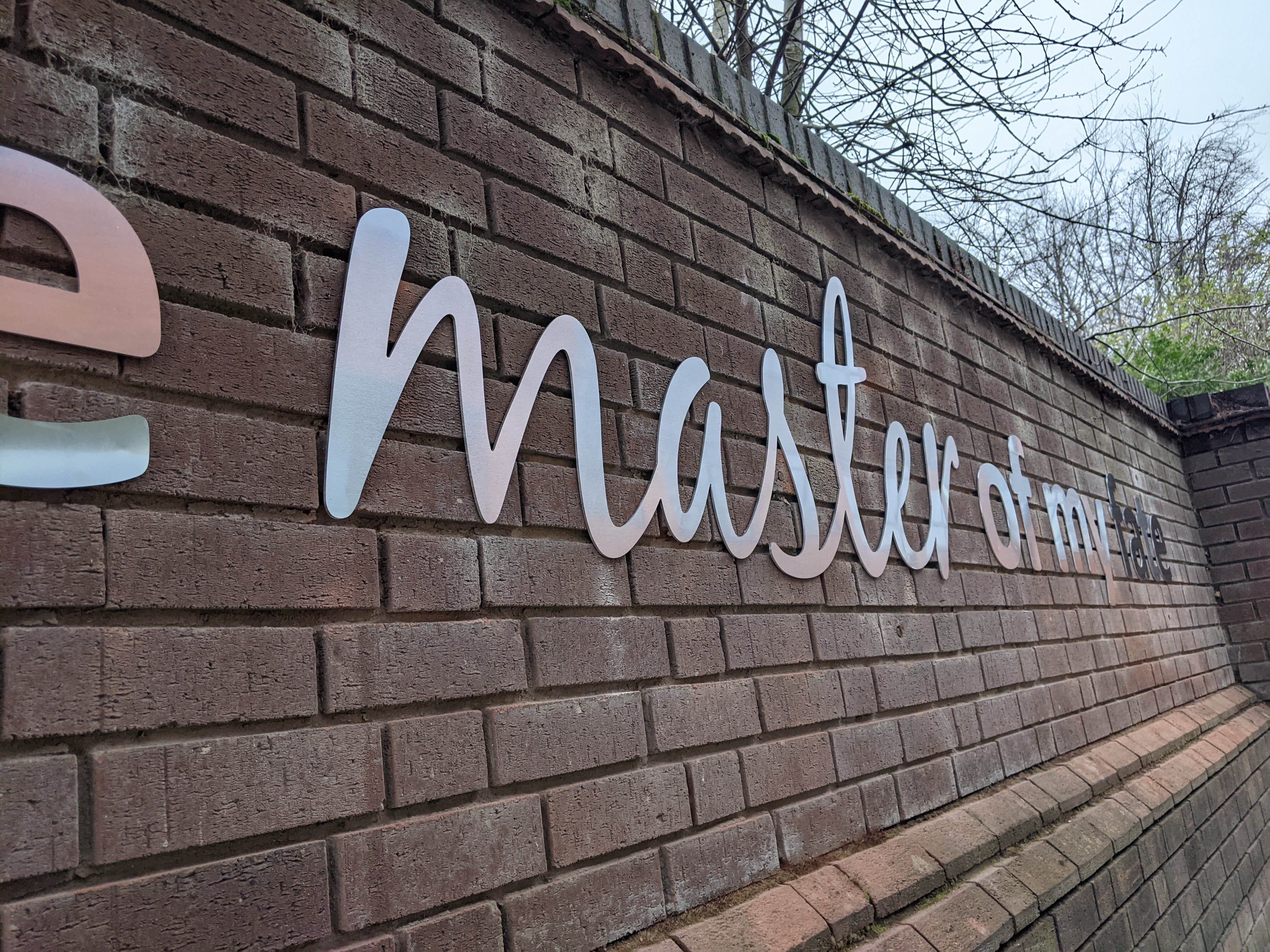
As well as small repro works, I’ve recently overseen the creation of some large text signage for interior and exterior walls. 

Our aim was to reinforce ambitions using simple quotes from the school’s poetry canon. Yes, we could have gone bold and loud with colours and imagery. However, in this case it’s just the words themselves using simple consistent typography.

Inside the building the light warm grey colour is subtle and almost a subliminal presence (Expertly installed by Big City Graphics, Leicester).

Outside we’ve gone for a strong yet simple aluminium. (Expertly installed by Focus Signs, Leicester)

In the past, I’ve designed large wall-collage compositions, creating artwork for a local sign maker who installs murals to cover complete walls/rooms in primary schools. 

So, from a one off ‘sign for the loo’, to an energetic topical graphic statement…

Reprographics; reproduction of printed material and imagery that communicates meaning.

It’s part of what I do…

Categories
print Uncategorized

Spring back

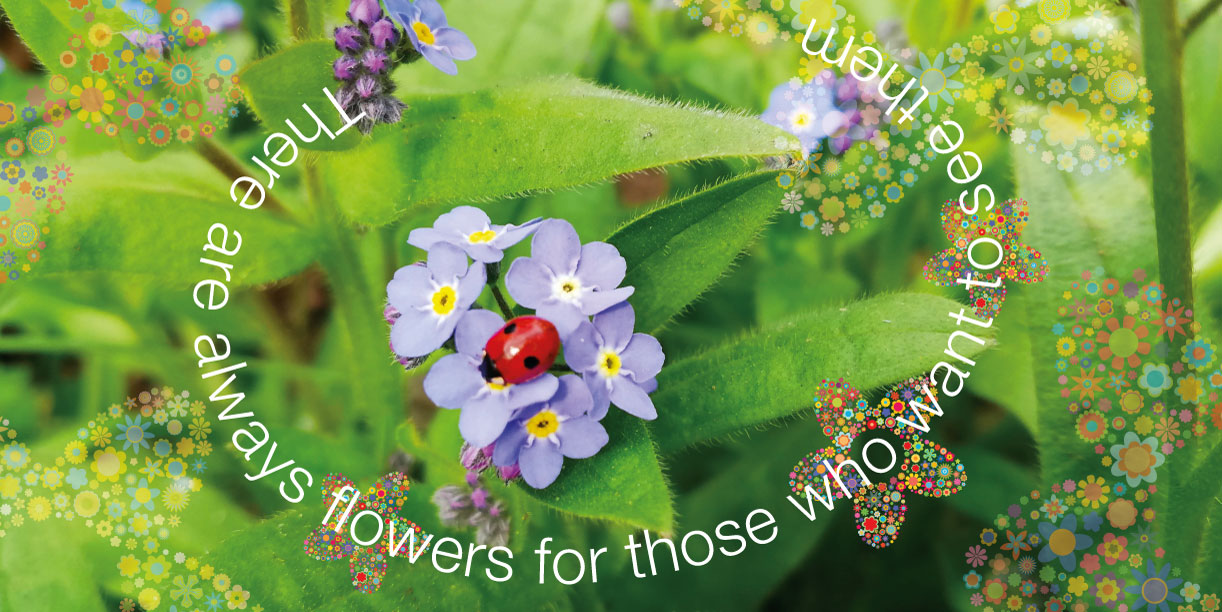
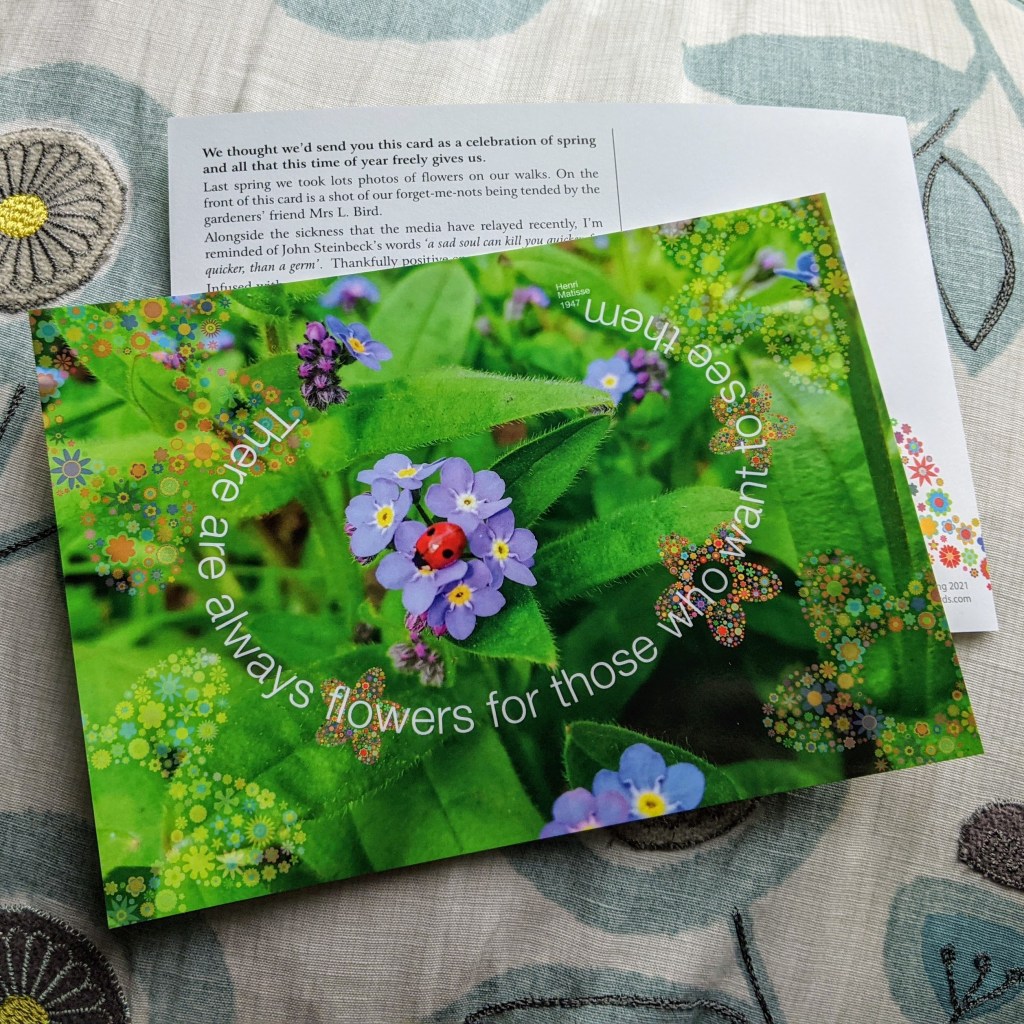
Last spring (2020) I took a lot of photos of nature in our garden and on walks. So we thought we’d celebrate this spring by sending a quick printed* message to some friends – A celebration of spring and all that this time of year freely gives us. #print*

Forget-me-nots from out garden being tended by the gardeners’ friend Mrs L. Bird.

Alongside the sickness that the media have relayed recently, I’m reminded of John Steinbeck’s words ‘a sad soul can kill you quicker, far quicker, than a germ’.  Thankfully positive energy is contagious also!

Infused with metaphor, folk tales, and traditions our springtime is full of energy. Whether it’s Creme Eggs, cake, and daffs on the window sill, or seasonal TV drama, religious reflection, and recollections of a horrific old rugged cross, it’s a season full of spirit; new things, awakenings, warmth, light and yes revitalisation.

Hopefully our springtime allows us to reconnect. We can feel the warmth of the light coming through the kitchen window, and see verdant velvet buds shooting from the grey-brown dormancy of a passing winter.  You can really feel it. There’s an energy, some might say spirit, that brightens the shadows and eases the strains. A new realisation of our humanity, our breath, our connection.

There ARE flowers everywhere, for those that want to see them. Happy springtime.

In 1947 Henri Matisse published ‘Jazz’, which included the words ‘… Il y a des fleurs partout pour qui veut bien les voir.’  This has been popularly translated as ‘Happy are those who sing with all their heart, in the forthrightness of their heart. Find joy in the sky, in the trees, in the flowers. There are always flowers for those who want to see them.’ A more literal translation ‘…there are flowers everywhere…’.

*If I can help you realise an effective creative print project, just send me a message. #print #julesprichards

Categories
print

Remember me…

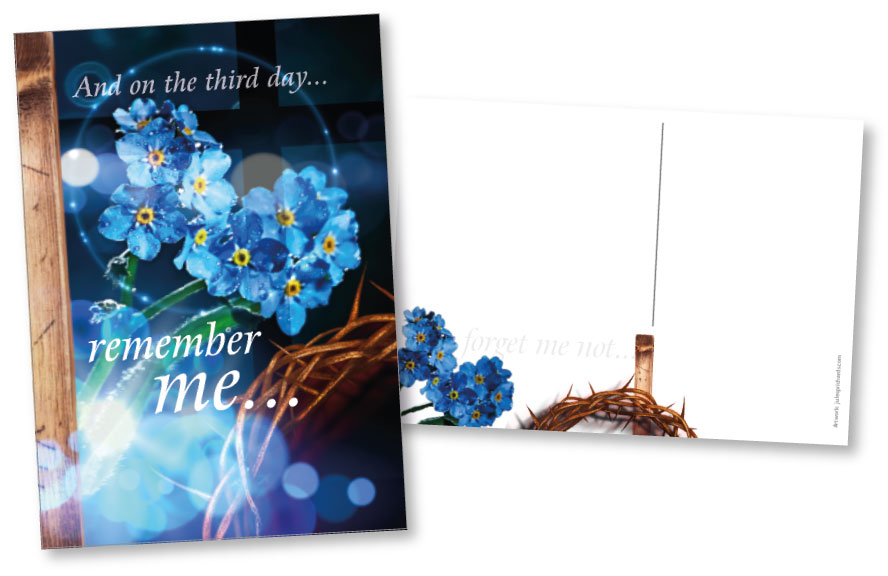
I was asked to create an Easter card for a local Methodist Church Circuit and thought others may like similar.

Below is the A5 card I created that Borders Methodist Circuit will be using to share Easter greetings and resources with their friends.

A5 Greetings Card – Easter 2021 ©julesprichards

I have also created a generic A6 postcard. If you’d like some for your organisation just let me know.

A6 postcard – Easter 2021 ©julesprichards
Easter 2021 ©julesprichards

I can arrange delivery of A6 (148x105mm) postcards using the above design.

Printed in colour on both sides, on special 300gsm TruCard; coated on the outside and uncoated the reverse so it’s easy to write on. Price includes delivery to one UK address.

50 A6 Postcards £32
100 A6 Postcards £37
200 A6 Postcards £47
300 A6 Postcards £58
400 A6 Postcards £67

If you’re interested in this or similar just send me a message: Jules P Richards

Categories
Uncategorized

Five mindful mins…

‘Five Mindful Minutes’ bookmarks… #printables

Here’s a reminder of the bookmark design I revamped last year.

The bookmarks were originally created to be left in public places like airports, railway stations, waiting rooms etc.  They can be given out, or made available, where people might benefit from ‘taking time out’ of their busy lives.

These new down-loadable bookmarks are now designed so that it can be easily printed at home on your desk-top home printer.

They are designed without bleed, so you can simply print on A4 paper (or preferably card), and then cut it into five bookmarks.

These new bookmarks read:

  • Sit down comfortably, feet flat on the floor.
  • For one minute, just be still: Deep breath in… slow exhale… Relax your muscles, calm your breathing… listen…
  • For one minute, remember something you are grateful for. Say thank you for it, and know that gratitude is good.
  • For one minute, remember something you regret. Say sorry for it, and know that you are forgiven.
  • For one minute, think of some good things you would like for another person. Be hopeful for that person.
  • For one minute, think of some good things you would like for yourself. Ask how will this help you?…and listen for an answer.
  • For a bonus minute, pause again, and be still… Deep breath in… slow exhale… Relax your muscles, calm your breathing… …try a smile.


Feel free to download the #printable PDF from here: Downloadable PDF ‘five mindful minutes’

If you need them changed for your purpose – logos added etc. just get in touch.

I can also arrange bookmarks to be printed professionally in larger quantities if required. Just contact me…

I first produced a ‘God-based’ version of this back in 2014, you can see this here.

If you’re interested in these or perhaps something similar – just get in touch…


Categories
Uncategorized

Section Breaks – “…it stops everything moving around!”

“Wow! It stops everything moving around!”

“Section Breaks, Section Breaks my kingdom for a Section Break…” (or a page break at least)

Perhaps the most underused formatting option in the realm of Microsoft Word*!

In my experience the Layout, Break, Page or Section Break is one of the simplest formatting options that people either don’t know about, or lazily underuse. I reminded a colleague recently and they exclaimed “Wow! It stops everything moving around!”

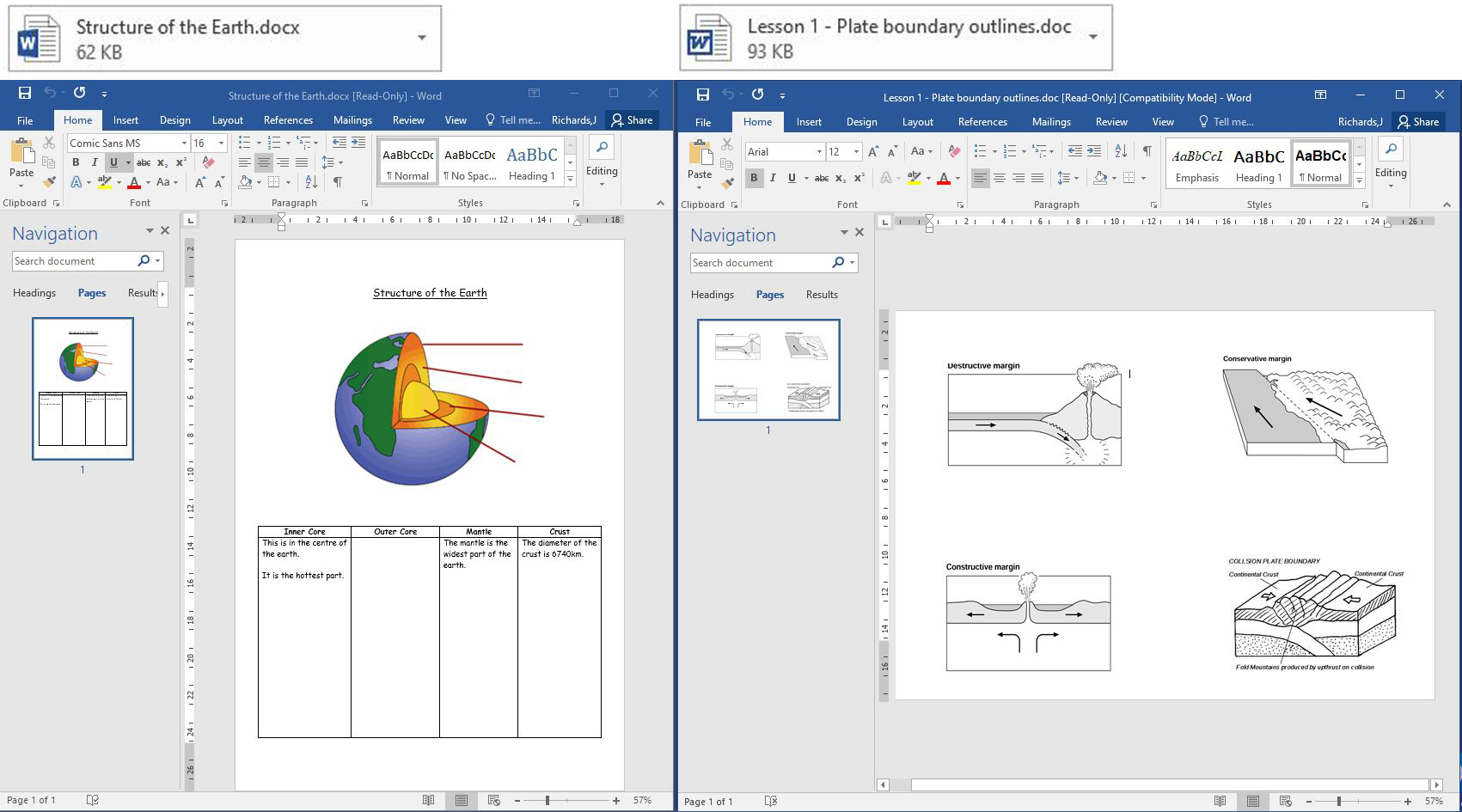
Two docs, one portrait, and another landscape… One doc is colour and the other needs to print on the back in mono.

Combining Documents

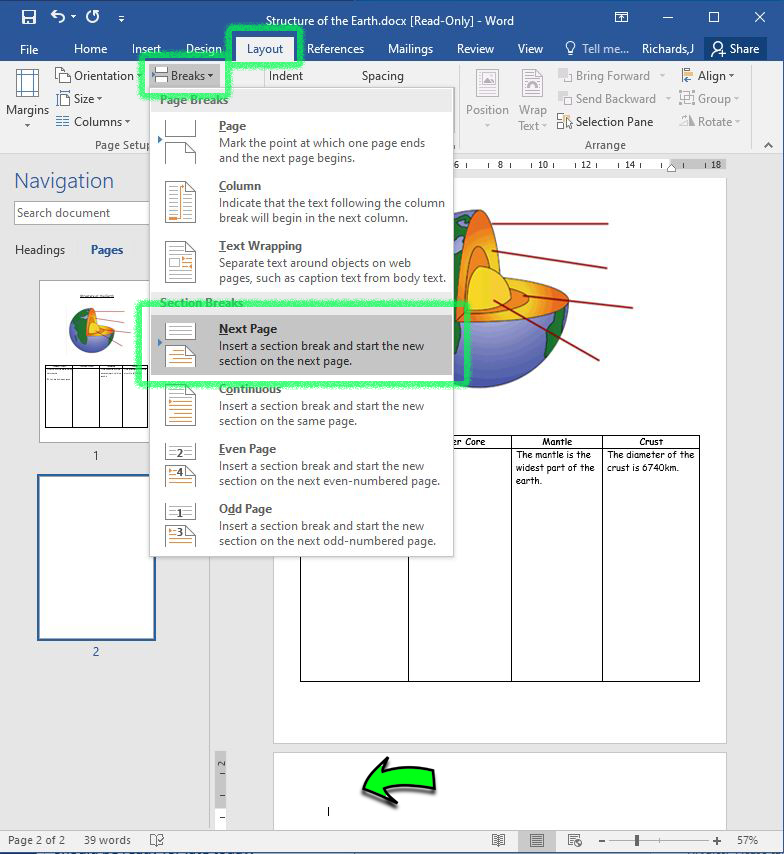
Instead of keying return return return… to reach the end of a page, you can simply jump to the next page with a section break!

Click: Layout, Break, Page or Section Break

  • For one, this can solve the problem of ‘everything moving’ when you change an earlier paragraph.
  • Secondly, in the ‘new section/page’ you can then change your page orientation, margins etc… So we can insert a landscape page after the portrait page.

If you format your articles/chapters etc with Next Page Section Breaks it can all stay organised.

Another underused tip: If you click Show/Hide (Ctrl+Shift+8) you can see your hidden formatting symbols – which can be useful!

So we can add a landscape page (in a new section) after the portrait page.

‘Select All’ (Ctrl A), then copy (Crtl C) the content of our landscape document and paste (Crtl V) the content into the new one.

Colour and Mono in one document!

Often a black & white looking graphic is actually ‘a dark mix’ of colours, and should ideally be converting to proper grayscale!

Hidden colour £0.10p.         Grayscale 1p

Hidden colour £0.10p.     Grayscale 1p

Converting dirty images to greyscale will save you money – your printer will then charge it as mono and not as a colour page – these costs mount up when you’re printing a whole year group!

In Word, simply double or right click on an image that looks black and white and convert it to true grayscale.

Format Picture – Picture Colour – Grayscale.

(While you are at it you could compress all the pictures in your document and probably half the file size!… Double click and image and compress, selecting ‘all images’…)

*Formatting your documents is a good habit to get into. If you only use one new thing in your next Word doc, make it section breaks… it stops everything moving around!